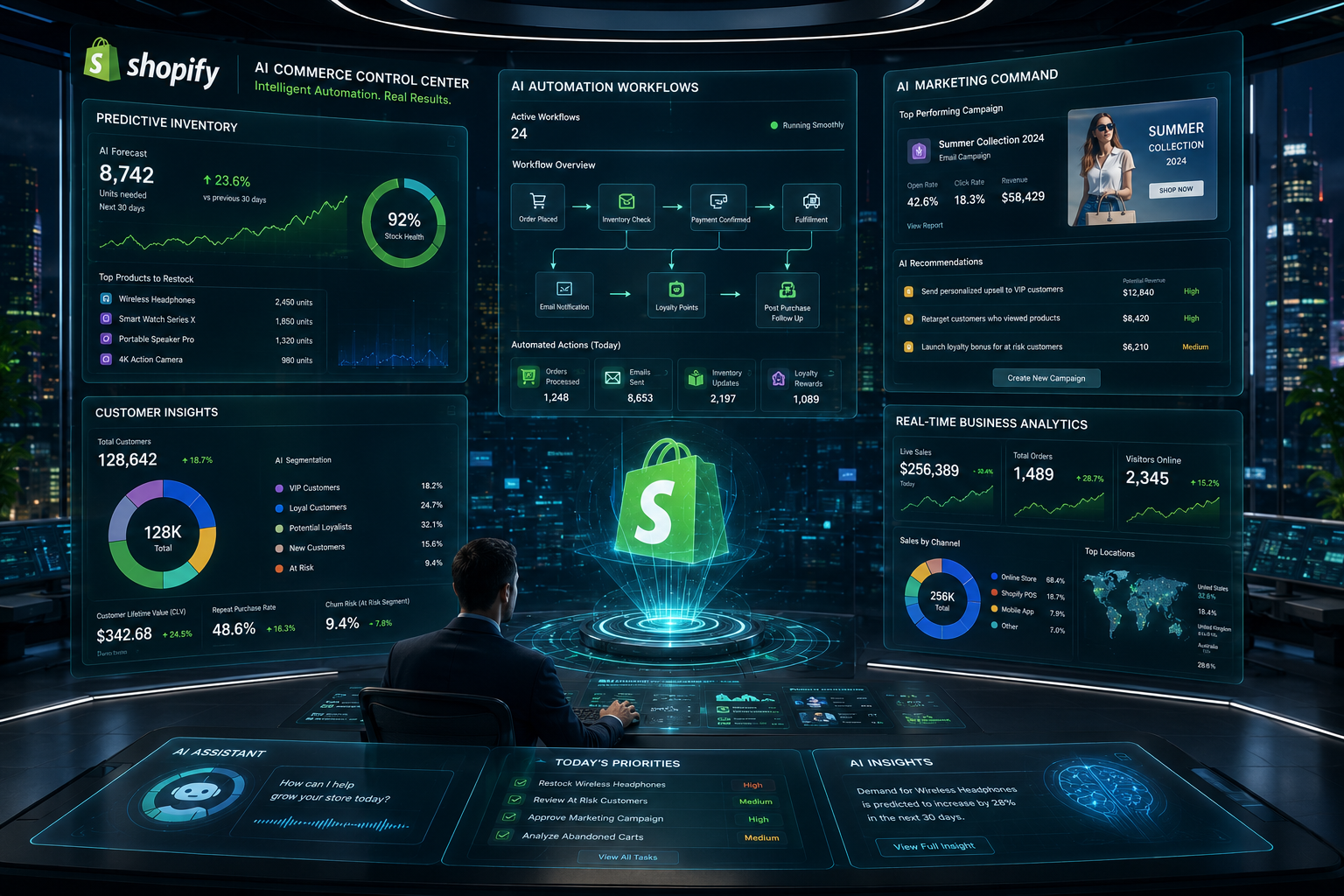
Managing a growing Shopify store often means dealing with repetitive tasks that consume time without directly generating revenue. Order tagging, inventory monitoring, customer segmentation, fraud checks, and internal notifications can quickly add up as sales increase. How to use Shopify Flow AI to create workflows begins with using artificial intelligence to turn these repetitive processes into automated actions. Shopify Flow is Shopify’s workflow automation tool, and its AI capabilities make workflow creation much easier than building everything manually. Instead of selecting every trigger, condition, and action one by one, merchants can describe what they want in plain language and let AI generate a workflow draft. The result is faster setup, fewer manual tasks, and more consistent operations. While the technology is powerful, success still depends on choosing the right workflows, reviewing the automation logic, and aligning everything with business goals.
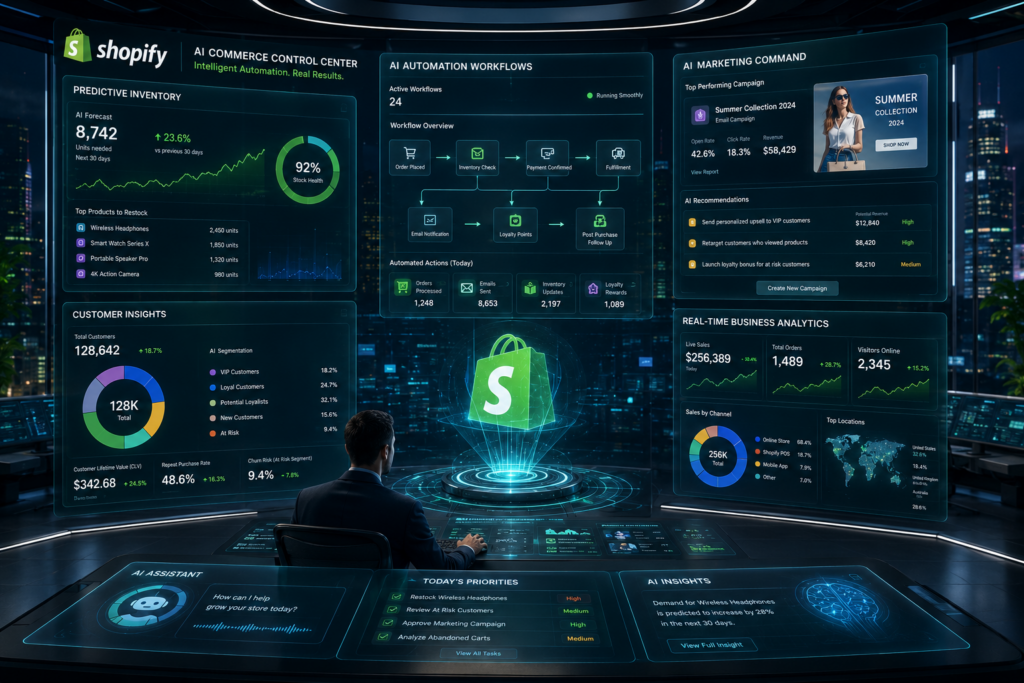
What Shopify Flow AI Actually Does
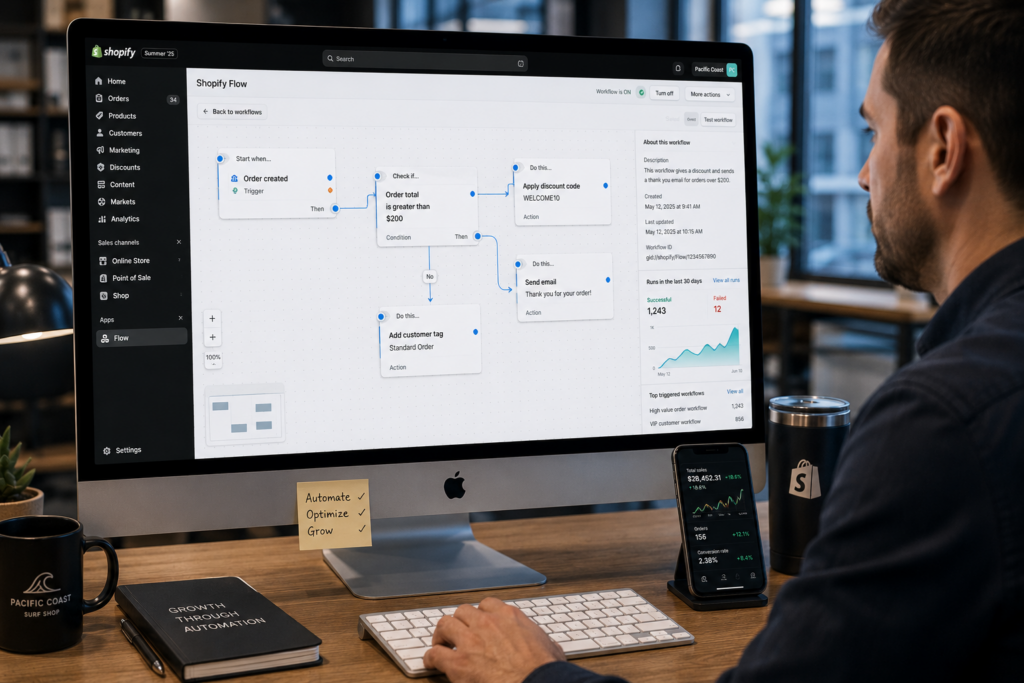
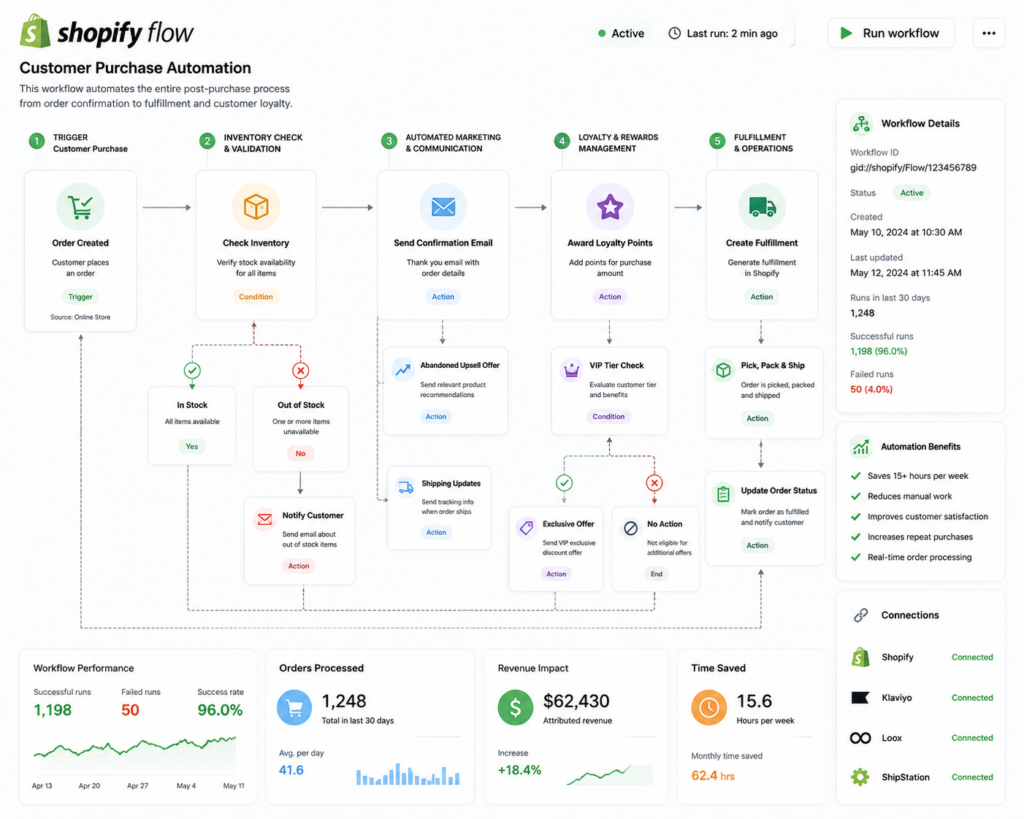
Shopify Flow operates on a simple concept. An event occurs, conditions are checked, and actions are executed automatically. For example, a customer places an order above a certain value. Shopify Flow can automatically tag that customer as a high-value buyer, notify the sales team, and add the customer to a specific marketing segment. Traditionally, merchants would create these workflows manually. AI-assisted workflow creation simplifies the process by allowing users to explain their desired outcome in everyday language.
The AI interprets the request and generates a workflow structure that includes triggers, conditions, and actions. This does not eliminate human review. Instead, it speeds up workflow development and makes automation more accessible for merchants who may not have extensive technical experience. The technology acts as an assistant that helps build workflows faster while still allowing full control over the final result.
Preparing Your Store Before Building Automation
One of the biggest mistakes merchants make is creating automation without first reviewing their business processes. Before learning how to use Shopify Flow AI to create workflows effectively, it is important to identify which tasks consume the most time and which activities follow predictable patterns. The best candidates for automation are tasks that happen repeatedly and require little human judgment. Examples include customer tagging, low-stock alerts, order routing, fraud monitoring, loyalty program management, and internal team notifications.
Preparation also involves reviewing store data. Product categories, customer information, order tags, and fulfillment processes should be organized and consistent. Automation performs best when the data it relies on is clean and structured. If customer records are inconsistent or inventory systems are inaccurate, workflows may generate unreliable results. Spending time on preparation helps ensure that future automation produces meaningful business improvements rather than creating additional management work.
Creating Your First AI-Generated Workflow
The easiest way to start is with a simple workflow. Within Shopify Flow, merchants can use AI-assisted workflow generation by describing the desired automation. For example, a merchant could request a workflow that sends an internal notification whenever an order exceeds a specific value. Shopify Flow AI will generate a suggested workflow based on that request.
After the workflow is created, every step should be reviewed carefully. AI can accelerate setup, but it cannot fully understand unique business requirements. Merchants should verify triggers, confirm conditions, and ensure actions match their operational goals. Testing before activation is equally important because even small configuration issues can affect workflow performance. Starting with simple automations helps build confidence and provides practical experience that can later be applied to more advanced workflows.
Popular Workflow Examples For Shopify Stores
Several workflow types consistently deliver value for e-commerce businesses. Customer management workflows can automatically assign tags based on purchase behavior, lifetime value, or geographic location. Inventory workflows can alert staff when stock levels fall below specific thresholds. Order management automations can categorize purchases, notify fulfillment teams, and streamline processing.
Marketing-related workflows are particularly popular because they help businesses personalize communication. Customers who reach certain spending levels can automatically enter loyalty campaigns. Repeat buyers can receive special offers. Abandoned checkout events can trigger internal follow-up actions. These automations improve consistency while reducing manual effort. As stores grow, the cumulative impact of these improvements becomes significant. Teams spend less time on repetitive administration and more time on customer service, growth initiatives, and strategic planning.
Using Conditions To Create Smarter Decisions
Conditions are what transform basic automation into intelligent workflow management. Without conditions, every trigger would produce the same outcome regardless of context. Conditions allow Shopify Flow to evaluate information and respond differently depending on specific criteria. For example, orders above a certain value may trigger different actions than smaller purchases. Customers from specific regions may be routed into specialized marketing segments.
Merchants who invest time in refining workflow conditions often achieve better results because their automations reflect actual business rules. Conditions also help reduce unnecessary actions by ensuring workflows only execute when relevant criteria are met. This creates more efficient operations and improves the quality of automated decisions.
Connecting Workflow Automation To Customer Experience
Automation should support customers as much as it supports internal operations. Fast order processing, personalized communication, and proactive notifications all contribute to a better customer experience. A workflow that automatically identifies high-value customers can help ensure they receive special attention. Inventory alerts can prevent customers from purchasing products that are unavailable. Automated tagging can improve communication relevance by ensuring customers receive information that matches their interests and behaviors.
Businesses often discover that operational improvements and customer experience improvements are closely connected. Efficient workflows reduce delays and create more consistent interactions. Merchants focused on creating stronger digital experiences frequently invest in solutions such as Ecommerce Website Design to complement automation efforts and improve overall store performance.
Monitoring Workflow Performance After Launch
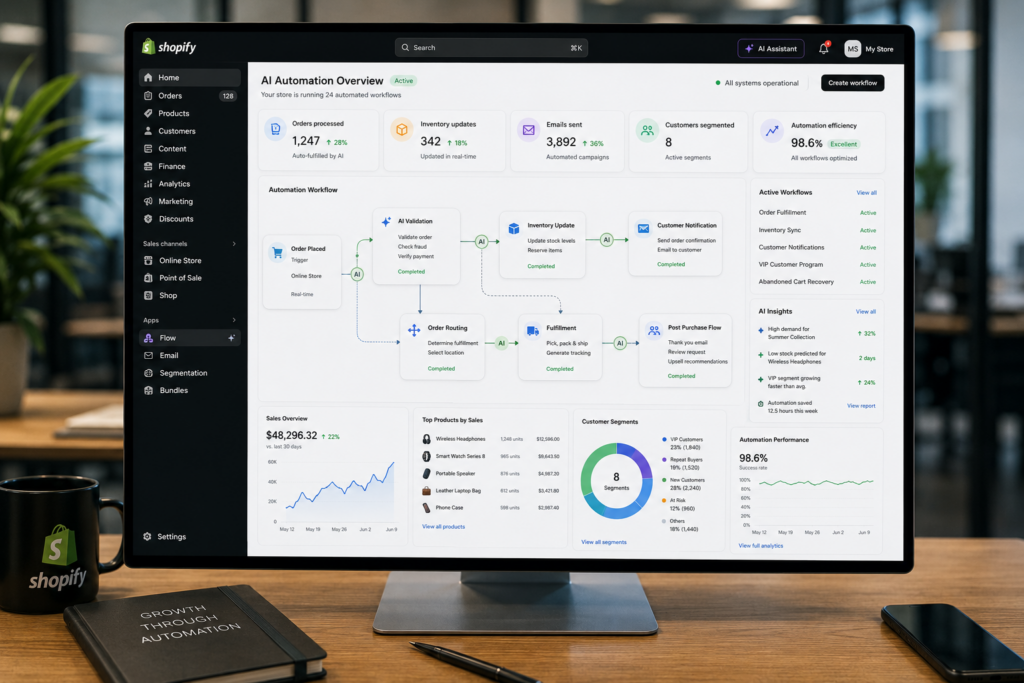
Automation should never be treated as a one-time project. Business processes change, customer behavior evolves, and operational priorities shift over time. Workflow performance should be reviewed regularly to ensure automations continue supporting business goals. Shopify Flow provides visibility into workflow activity, allowing merchants to identify errors, bottlenecks, and opportunities for improvement.
Reviewing logs helps confirm that workflows execute correctly and produce the intended outcomes. Performance reviews can also reveal new opportunities for automation. Merchants frequently discover additional tasks that can be automated after seeing the benefits of their initial workflows. Continuous improvement helps maximize the value of automation and ensures that workflows remain aligned with business needs.
Common Mistakes That Limit Automation Results
Several mistakes can reduce the effectiveness of Shopify Flow. One common issue is attempting to automate too many processes simultaneously. Complex workflows become harder to test, monitor, and manage. Another mistake is activating workflows without proper testing. Even small configuration errors can create unexpected outcomes.
Some merchants also rely too heavily on automation without reviewing results. Automation is designed to improve efficiency, but it still requires oversight. Poorly designed workflows can spread mistakes quickly if they are not monitored. A gradual approach often produces the strongest results. Starting with simple workflows, reviewing performance, and expanding carefully helps businesses build reliable automation systems that support growth rather than creating complications.
The Future Of AI-Powered E-Commerce Workflows
Artificial intelligence is making automation more accessible and more sophisticated. Instead of requiring technical expertise, AI-assisted tools allow merchants to describe business objectives and receive workflow recommendations automatically. As these technologies continue evolving, workflow creation will likely become even more intuitive and predictive.
According to the National Institute of Standards and Technology (NIST), artificial intelligence continues to influence how organizations improve decision-making, efficiency, and operational processes. E-commerce businesses are already seeing the benefits through automation tools that reduce repetitive work and improve consistency. The future of workflow automation is not about replacing people. It is about allowing teams to focus on higher-value activities while routine processes operate automatically in the background.
Conclusion
How to use Shopify Flow AI to create workflows starts with identifying repetitive tasks, organizing store data, and using AI-assisted workflow generation to build efficient automation systems. The technology allows merchants to automate customer management, inventory monitoring, order processing, and internal communication without extensive technical expertise.
The real benefit is not simply saving time. Well-designed workflows improve consistency, reduce operational friction, and create better customer experiences. Businesses that continuously refine their automation strategies often uncover new opportunities for growth and efficiency. Companies looking to build stronger ecommerce systems and smarter digital experiences frequently partner with experts such as Best Website Builder Group to create scalable solutions that support long-term business success.