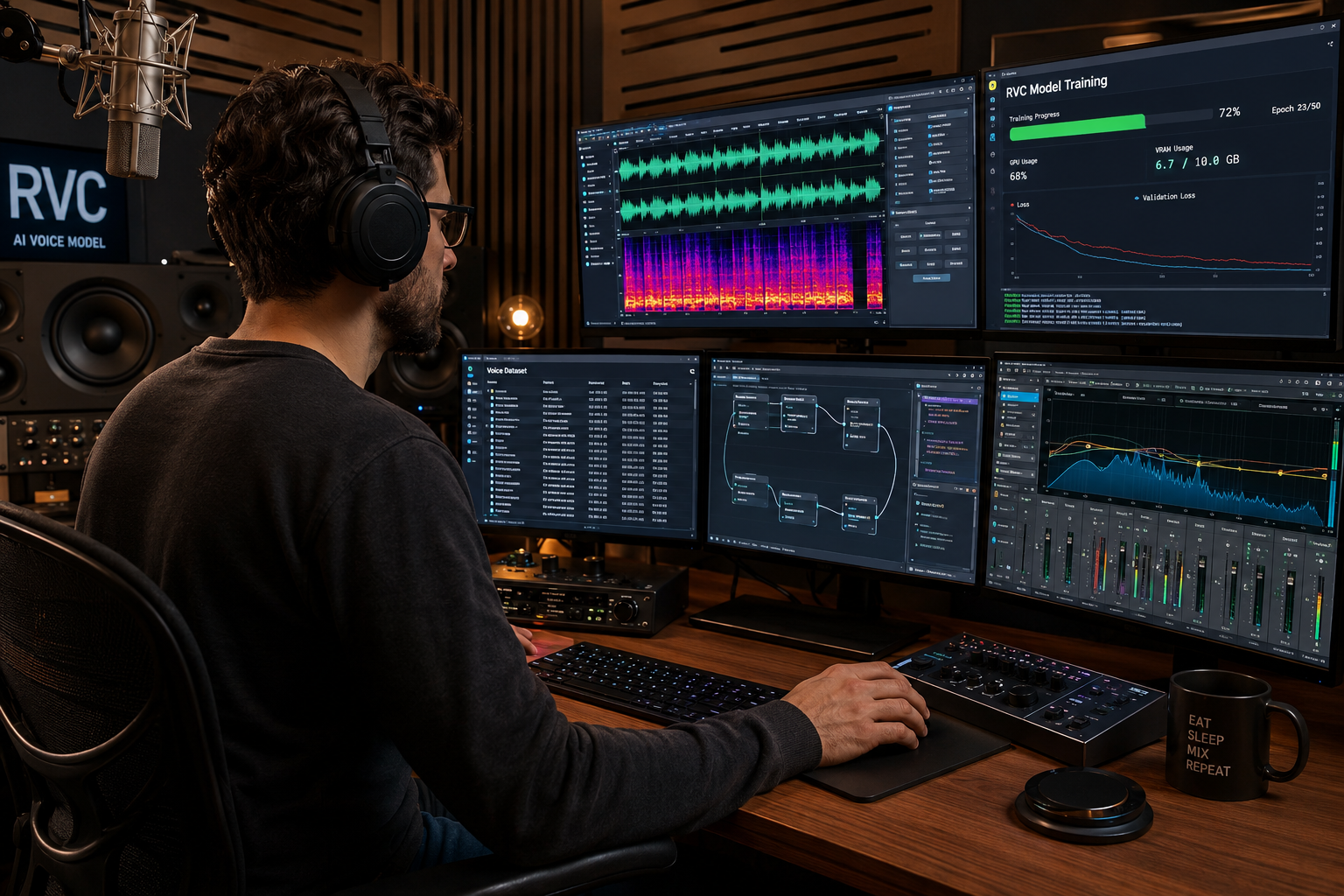
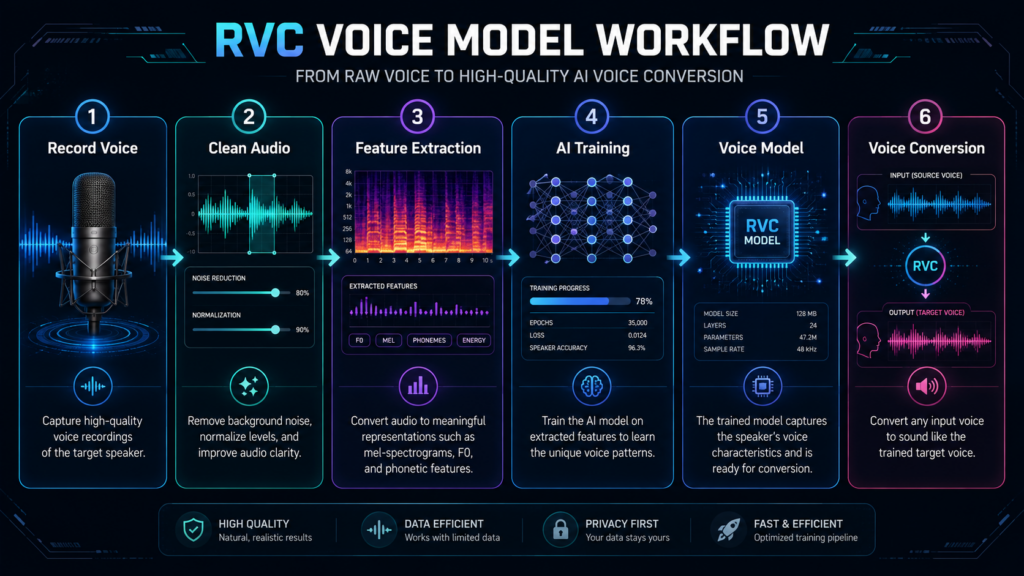
Creating a custom voice model begins with clean recordings, the right training setup, and clear permission to use the voice. How to make your own RVC AI voice model involves collecting high-quality speech, preparing the audio, installing the RVC training environment, extracting features, training the model, and testing the results. RVC stands for Retrieval-based Voice Conversion, a system that changes the tone of one voice while preserving the timing and delivery of the original performance. It can support music production, character voices, accessibility projects, and creative experimentation. The process is technical, but it becomes manageable when each stage is handled carefully.
The most important rule comes before any software setup: only train a model from your own voice or from recordings you have explicit permission to use. Synthetic voice technology can create serious privacy and impersonation risks when people ignore consent. A good result also depends more on the dataset than most beginners expect. Powerful hardware cannot repair recordings filled with background music, room echo, clipping, or inconsistent microphone distance. A smaller collection of clean and varied speech often produces a better model than hours of poor audio. Planning the dataset first saves time later because every training step depends on the quality of the source material.
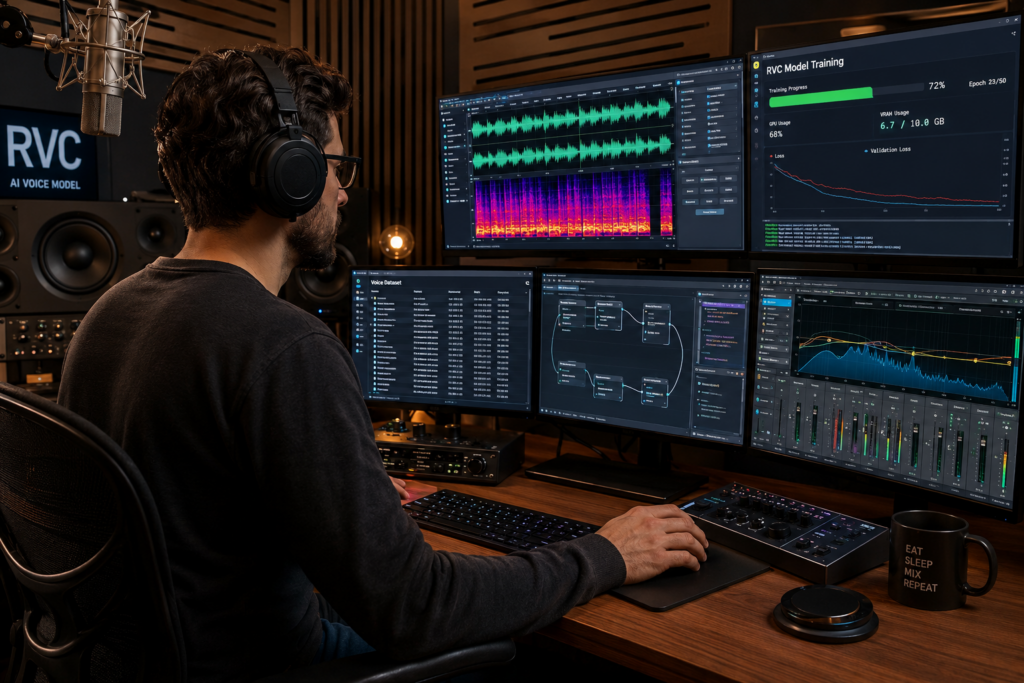
Choose The Voice And Define The Intended Use
Before recording anything, decide what the finished model should do. A model designed for spoken narration may need different vocal material from one intended for singing or live voice conversion. Spoken datasets benefit from clear sentences, varied pacing, and a natural range of emotion. Singing datasets need sustained notes, pitch changes, different vowels, and a wider vocal range. Mixing unrelated recording styles without a clear purpose can make the final model less consistent. It helps to define the target use, expected pitch range, language, and preferred vocal tone before creating the dataset.
Consent must remain part of this planning stage. Do not collect interviews, livestreams, songs, podcasts, or social media clips from another person and use them without approval. NIST has documented the growing need for transparency, provenance, and safeguards around synthetic media because generated audio can support impersonation and other forms of misuse.
Record A Clean And Varied Voice Dataset
The official RVC project recommends collecting at least about ten minutes of low-noise voice data, though a longer clean dataset often gives the model more vocal detail. Record in a quiet space with the same microphone, input level, and distance throughout the session. Soft furnishings can reduce room echo, while a pop filter can control harsh breath sounds. Avoid background music, fans, keyboard noise, traffic, and automatic audio effects. Do not apply strong reverb, compression, pitch correction, or voice enhancement before training. The model needs a clear representation of the original voice rather than an already processed version.
Variation still matters. Include short and long phrases, questions, statements, different vowels, consonant combinations, softer delivery, stronger delivery, and several emotional tones. Keep the performance natural and avoid whispering for the entire dataset unless the final model specifically needs that style. Watch the recording level so loud phrases do not distort. Files should have clear starts and endings without long sections of silence. When learning how to make your own RVC AI voice model, dataset balance matters more than simply recording as many minutes as possible. The goal is to capture the voice accurately across the range the model will need to reproduce.
Prepare And Organize The Audio Before Training
After recording, review every file with headphones. Remove failed takes, coughs, chair noise, background speech, clipping, and long silent sections. The dataset should contain only the target voice. If a recording includes music or another speaker, separate it carefully or leave it out. Audio cleanup tools can reduce steady background noise, but aggressive processing may damage the vocal tone. Compare cleaned files with the originals and remove any file that sounds metallic, watery, or unnatural. Consistent audio usually trains more reliably than a mixture of clean and heavily processed clips.
Organize the final files in one clearly named dataset folder. Short clips are easier for the training pipeline to process than a single hour-long recording. Depending on the RVC interface and version, preprocessing can divide longer recordings automatically, but clean source clips give you more control. Keep a separate untouched backup of the original recordings before making edits. This makes it possible to restart the preparation stage without recording the voice again. Good file organization also prevents accidental mixing between different speakers, microphones, or recording sessions. That discipline becomes especially important when you test several versions of the same model.
Install The RVC Training Environment And Check Your Hardware
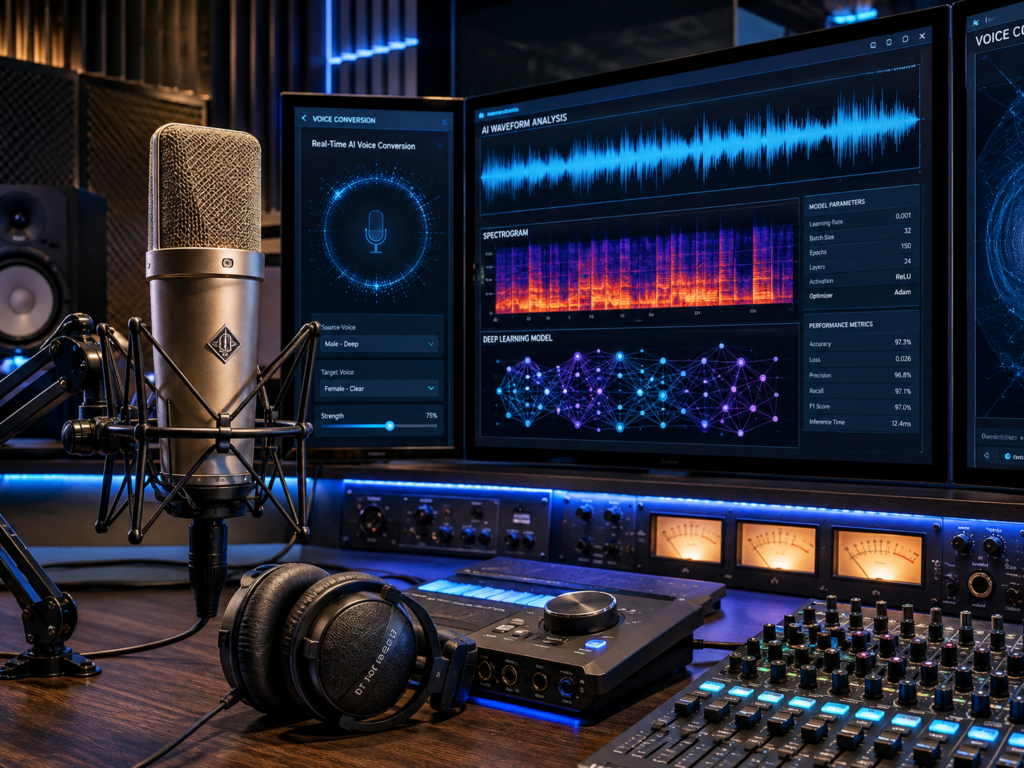
RVC training requires the project files, compatible software dependencies, audio tools, and enough computing power to process the dataset. The current RVC project provides a web interface and supports several hardware paths, but installation details can differ by operating system and graphics card. A supported NVIDIA GPU usually speeds up training considerably. CPU-only training may work in some setups, but it often takes much longer. Storage space also matters because preprocessing, extracted features, checkpoints, and model files can consume several gigabytes during experimentation.
Follow the current installation instructions from the official RVC repository rather than relying on an old video tutorial. Software requirements change, and outdated packages can cause errors that are difficult to diagnose. Confirm that Python, FFmpeg, drivers, and required dependencies match the version of the project you install. Launch the interface and test basic audio processing before starting a long training run. This step confirms that the environment can detect the hardware and write files to the correct folders. Learning how to make your own RVC AI voice model becomes much easier when the technical setup works before you introduce the full dataset.
Preprocess The Dataset And Extract Voice Features
After the training environment works correctly, add the prepared dataset and choose a clear experiment name. The preprocessing stage converts the source recordings into the format the model needs. It also splits longer files into smaller segments and creates the working folders used during training. Listen to several processed clips before continuing. They should contain only the target voice, with no clipped words, long silence, music, or damaged audio. If preprocessing creates broken clips, return to the source files and correct the problem before training. Poor segments can introduce roughness, missing sounds, and unstable pronunciation into the finished model.
The next stage extracts pitch information and voice features from the processed audio. Pitch extraction tracks how the voice moves between low and high notes. Feature extraction captures characteristics that help the model reproduce the speaker’s vocal tone. RVC commonly provides several pitch extraction choices, and the best option can depend on the interface, hardware, and source material. RMVPE often provides a practical balance for many speaking and singing datasets. Run feature extraction only after confirming that the processed audio sounds clean. When learning how to make your own RVC AI voice model, this stage matters because the training process depends on these extracted representations rather than the raw recordings alone.
Configure The Model Training Settings Carefully
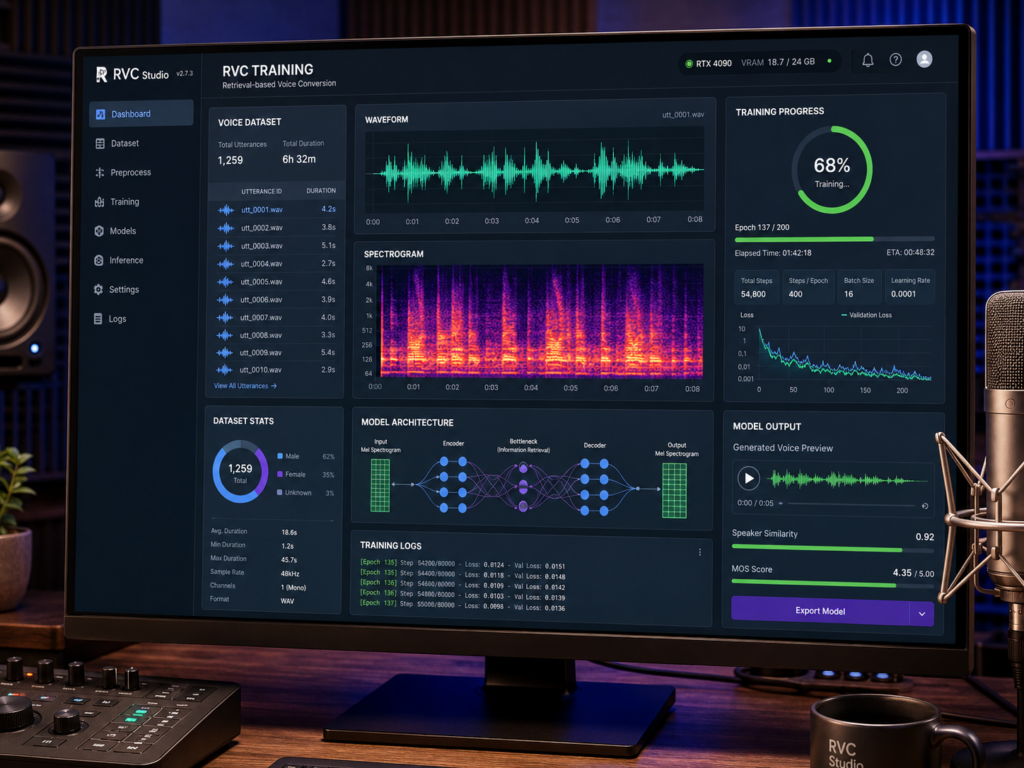
Training settings affect speed, stability, and the final voice quality. Begin by choosing the model version and sample rate supported by your current RVC setup. Higher sample rates can preserve more detail, but they also require more computing power and storage. Batch size controls how much data the graphics card processes at once. A larger batch may train faster, but it can exceed available memory. Start with a conservative value and increase it only after confirming that the system remains stable. Save checkpoints during training so you can compare different stages without restarting the entire process.
Epoch count does not guarantee quality by itself. Too few training cycles may leave the voice weak or inconsistent. Too many can cause overtraining, where the model copies the dataset closely but performs poorly on unfamiliar input. Listen to test conversions at several checkpoints instead of choosing the final model based only on training numbers. Use short spoken phrases, sustained vowels, and different pitch ranges during evaluation. If later checkpoints sound less natural, return to an earlier version. A good checkpoint should preserve the target tone while keeping speech clear and responsive.
Create The Retrieval Index And Test The Voice
After training, create the retrieval index associated with the model. The index helps RVC compare incoming audio features with features from the training dataset. This retrieval process can strengthen the target voice and reduce leakage from the original speaker. Keep the model file and its matching index together because mixing files from different experiments can produce poor results. During inference, adjust the index rate gradually rather than moving immediately to an extreme setting. Too little retrieval may weaken the target tone, while too much can introduce roughness or unnatural artifacts.
Test the model with clean input audio recorded at a natural volume. Start with speech that falls within the range represented in the dataset. If the source voice sits much higher or lower than the trained voice, adjust the pitch carefully. Large pitch shifts often reduce clarity and make consonants sound unstable. Test multiple sentences rather than relying on one impressive sample. Listen for robotic edges, broken syllables, breath artifacts, pitch wobble, and changes in pronunciation. A model that performs well across varied inputs is more useful than one that sounds excellent on only a single phrase.
Refine Weak Results Instead Of Training Blindly
If the model sounds poor, identify the cause before launching another long training session. Metallic audio often points to damaged source files, excessive noise removal, or unsuitable input audio. Weak vocal identity may indicate that the dataset lacks enough clear examples. Unstable pitch can come from inconsistent recordings, limited vocal range, or unsuitable pitch settings. Pronunciation problems may appear when the dataset does not contain enough varied speech. Review the clips again and remove anything that does not match the main recording quality. Adding a few minutes of clean, useful material often improves a model more than simply increasing the number of epochs.
Change one factor at a time during refinement. If you replace the dataset, pitch method, batch size, and training length simultaneously, you will not know which change improved or damaged the result. Keep notes for every experiment, including dataset version, settings, checkpoint, index, and test observations. This creates a repeatable process and prevents you from losing a strong model while experimenting. It also makes future updates easier when you record better material or want to train a version for a different vocal range.
Package And Share The Model With Clear Limits
Once the model performs consistently, store the final checkpoint, matching index, settings, permission records, and a short description of its intended use. Do not publish private recordings or raw datasets with the model unless every contributor approved that distribution. If other people can access the model, explain that the audio is synthetic and prohibit impersonation, fraud, harassment, or misleading use. Creative tools become safer when users can identify generated content and know who authorized the voice. Keep backup copies in protected storage and remove abandoned experiments that contain personal voice data.
Businesses that place a voice demo, upload tool, or model interface on a public website should also protect the surrounding platform. Access controls, file permissions, software updates, and monitoring all need regular attention. Professional Website Maintenance can help keep a web-based demonstration stable and reduce avoidable security risks. The model itself is only one part of the experience. A careless website setup can expose files, user uploads, or personal information even when the voice model works correctly.
Conclusion
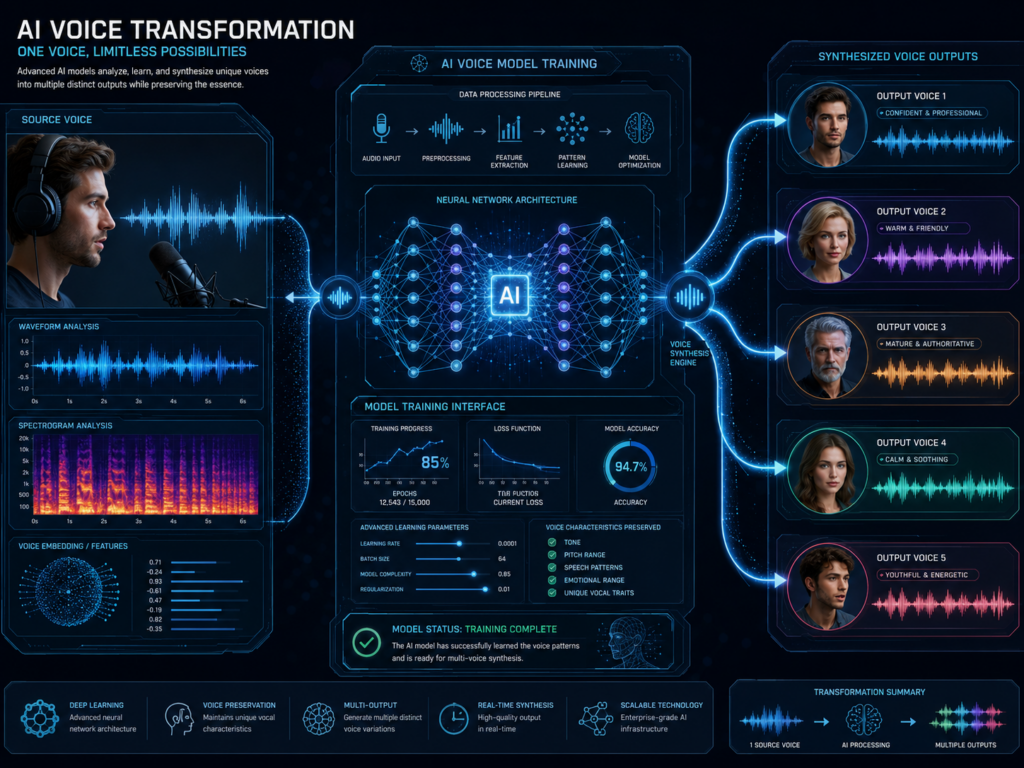
How to make your own RVC AI voice model involves more than pressing a training button. You need permission to use the voice, a clean and varied dataset, a compatible RVC environment, careful preprocessing, feature extraction, controlled training, a matching retrieval index, and repeated listening tests. The dataset usually has the greatest influence on the final quality. Clear recordings and disciplined testing produce better results than excessive training on weak audio.
A responsible model should also include clear limits on how people can use it. Synthetic voices can support music, accessibility, character development, and creative production, but they should never remove consent or mislead an audience. Businesses exploring AI-powered audio and other modern digital experiences often work with Best Website Builder Group to connect new technology with secure, practical platforms that support long-term growth.