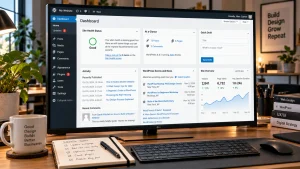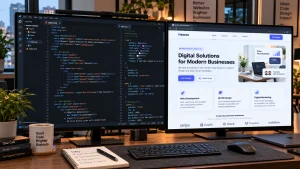
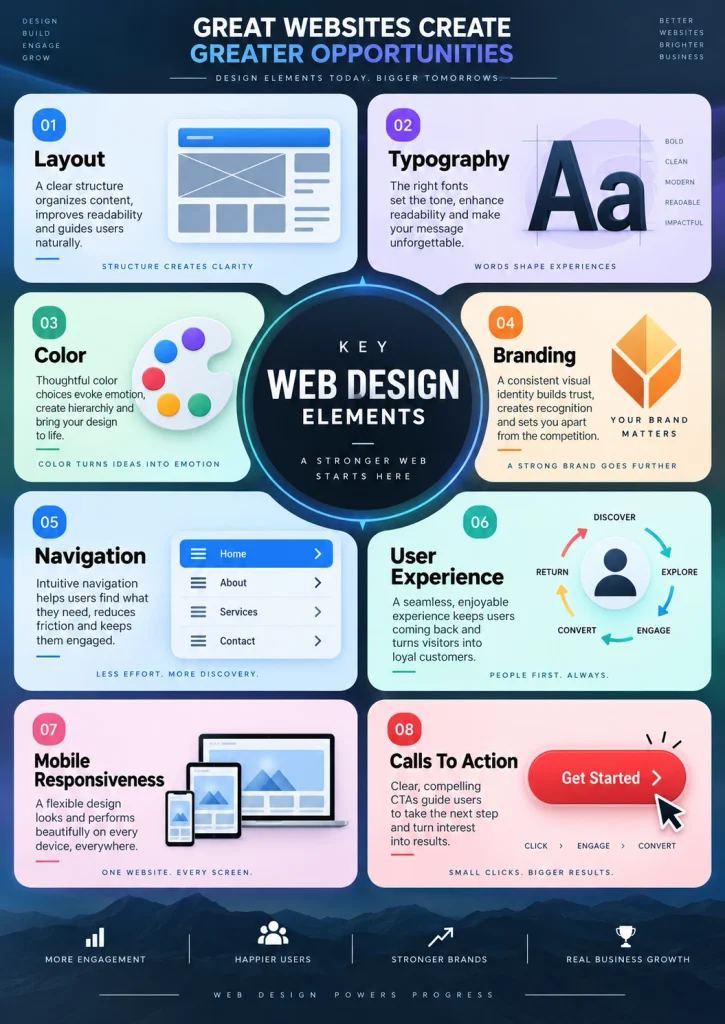
Creating a strong website requires more than choosing colors and placing images on a page. Many beginners search for how to design web design because they want a clear process that turns an idea into a usable, professional website. Good web design combines visual structure, user experience, mobile responsiveness, branding, content, and technical performance.
A successful website should make information easy to find and guide visitors toward the right action. That action may be buying a product, booking a service, submitting a form, or contacting a business. Every design decision should support that goal.
Best Website Builder Group approaches web design as a complete process rather than a collection of decorative choices. Planning, page structure, usability, and business goals all matter before visual styling begins. Whether you are designing a small business website or a larger commercial site, following a clear sequence helps reduce mistakes. The sections below explain how to plan, structure, design, test, and improve a website from the beginning.
Define The Purpose Before You Start
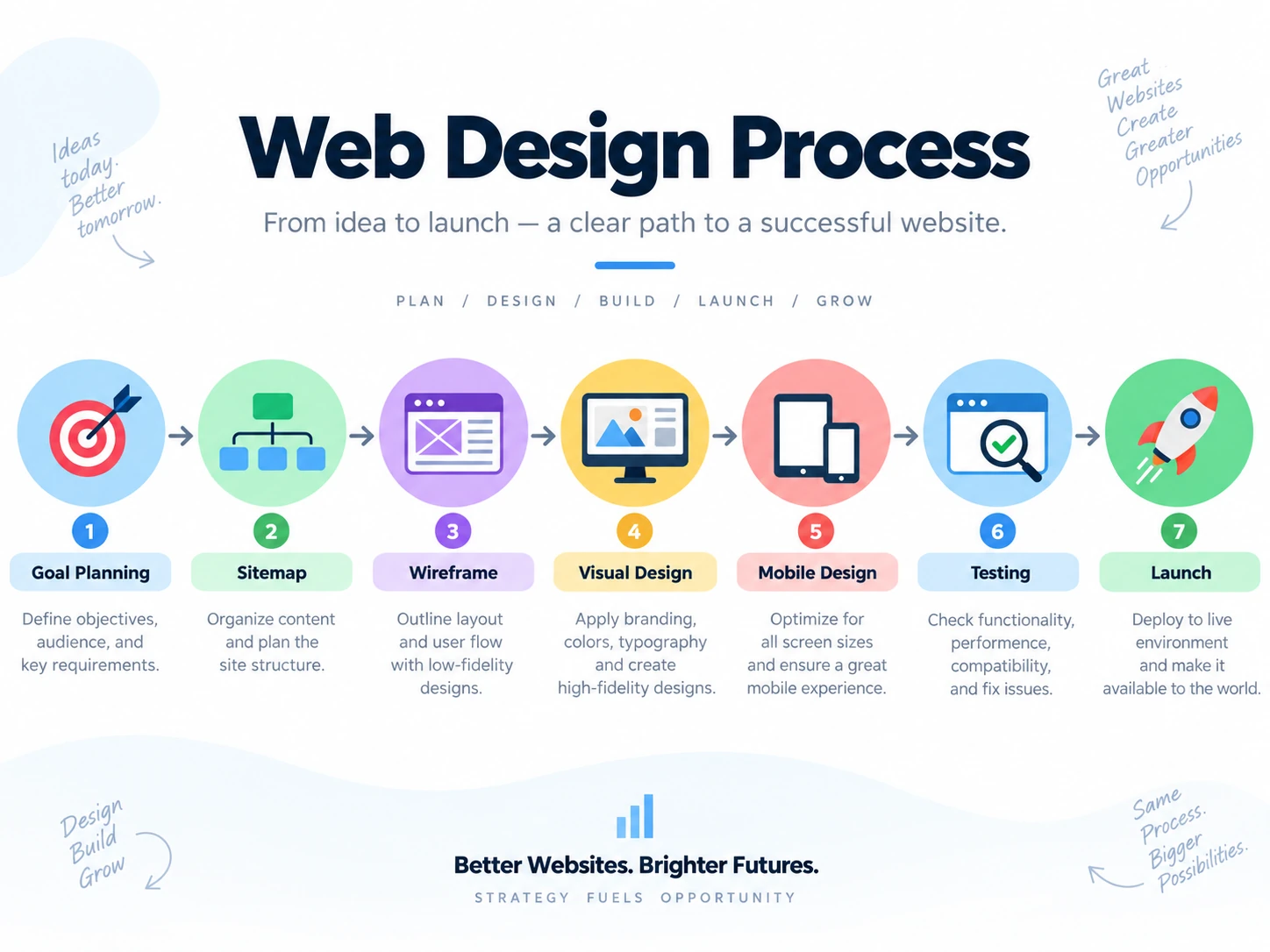
The first step is deciding what the website needs to accomplish. A business website may need to generate leads, explain services, sell products, build trust, or provide information. A portfolio may focus on presenting previous work, while an ecommerce store needs to move visitors toward product pages and checkout. Defining the main purpose makes later design choices much easier.
You should also identify the people who will use the website. Consider what they need, what questions they may have, and what information matters most to them. This helps determine which pages should receive the most attention. It also affects navigation, content length, calls to action, and layout. Best Website Builder Group uses this type of planning when developing websites for businesses because a visually attractive design means little if visitors cannot quickly understand what the company offers or what they should do next.
Plan The Website Structure
A clear site structure helps visitors move between pages without confusion. Start by listing the main pages the website will need. Common examples include Home, About, Services, Products, Blog, Contact, and individual service pages. Larger websites may also need categories, location pages, case studies, or resource sections.
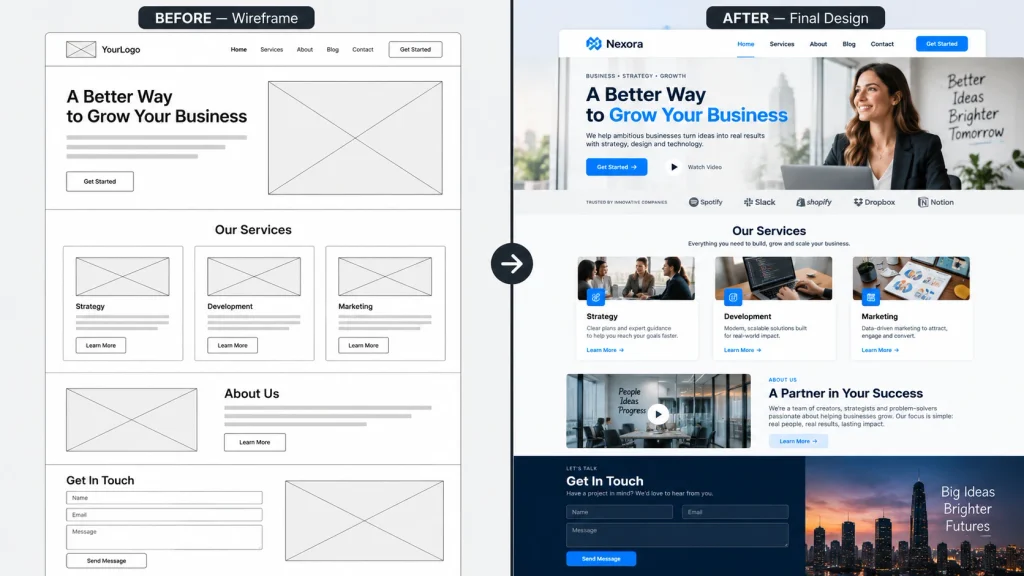
After listing the pages, organize them into a logical hierarchy. The most important sections should be easy to reach from the main navigation. Avoid creating menus with too many competing options because this can make the website harder to use. A simple structure also helps search engines understand relationships between pages. Before starting the visual design, create a basic sitemap that shows how pages connect. This planning step prevents the website from becoming disorganized later. It also makes it easier to decide where internal links and calls to action should appear throughout the site.
How To Design Web Design Layouts
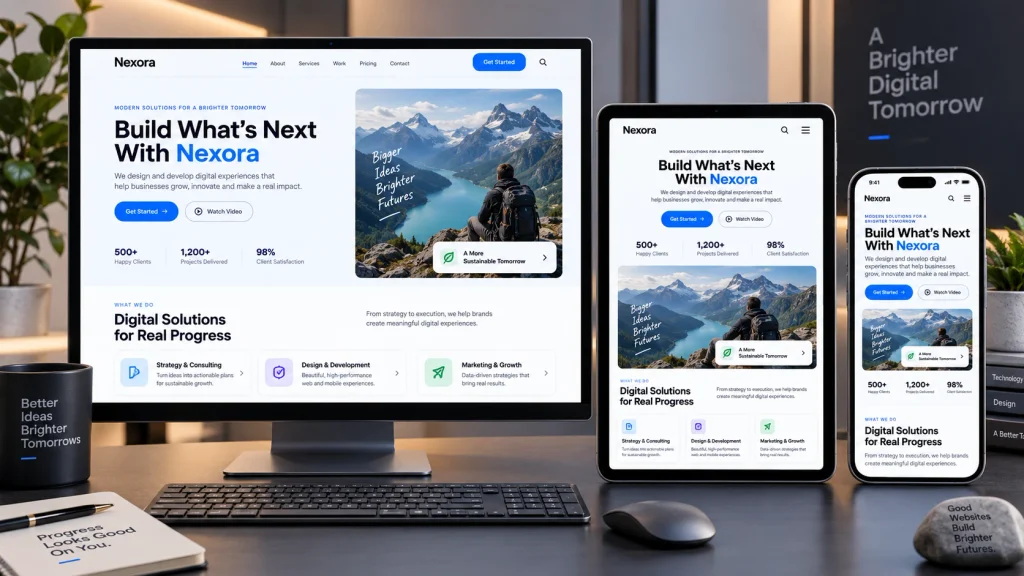
Once the structure is clear, you can begin planning individual page layouts. Start with the most important content rather than decorative elements. A homepage usually needs a clear headline, supporting text, a primary call to action, important services or products, trust signals, and a simple path to deeper pages. Each section should have a clear reason for being there.
Visual hierarchy is important because visitors scan pages before reading them closely. Headings should stand out from body text, and important buttons should be easy to identify. Use spacing to separate sections and avoid placing too many elements in one area. Best Website Builder Group provides professional web design services for businesses that need layouts built around usability, branding, and conversion goals. A strong layout should feel organized even before colors, images, or advanced styling are added.
Choose Colors, Fonts, And Branding
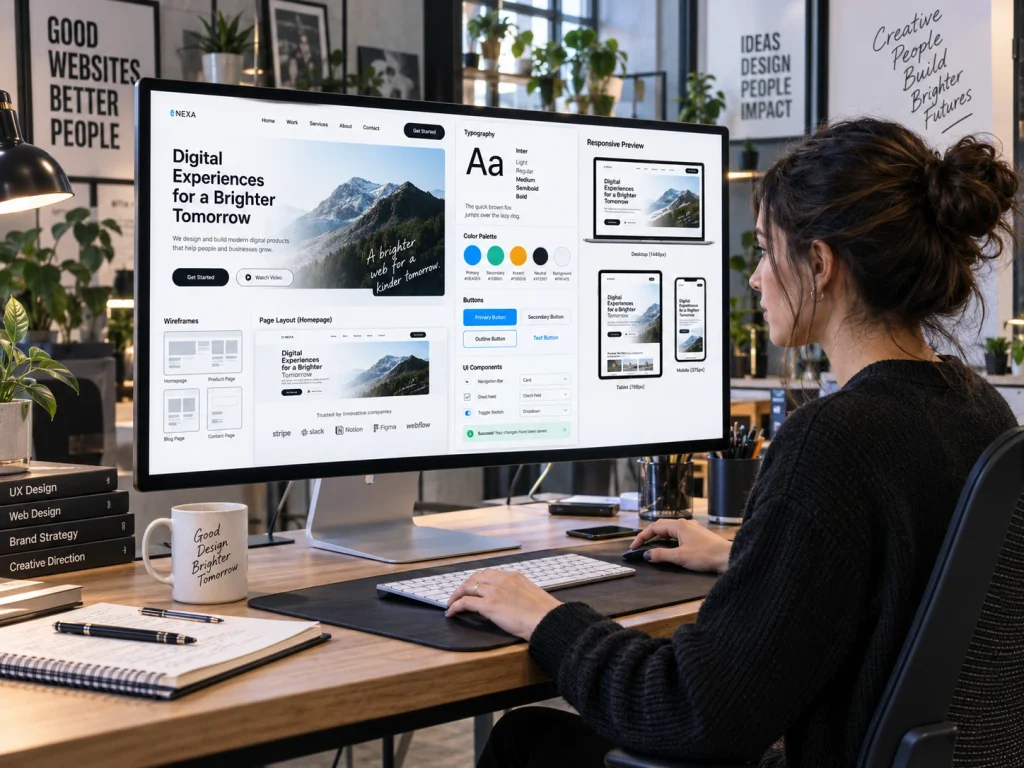
Colors and typography shape the visual personality of a website. A business should normally begin with its existing brand identity, including logos, colors, and visual guidelines. If no brand system exists, choose a small number of colors that work well together. One primary color, one supporting color, and a few neutral tones are often enough for most websites.
Typography should remain easy to read across desktop and mobile devices. Avoid using too many font families because they can make the website feel inconsistent. Headings can use a distinctive typeface, while body text should prioritize readability. Buttons, forms, icons, and other interface elements should also follow the same visual style. Consistency helps visitors recognize which elements perform similar functions. Good branding should support usability rather than compete with it. The goal is to create a recognizable visual experience without making pages difficult to read or navigate.
Design For Mobile Users First
Modern websites need to work well on phones, tablets, laptops, and larger screens. A layout that looks excellent on a desktop can become difficult to use when squeezed onto a small display. This is why responsive design should be considered throughout the process rather than added at the end.
Check how menus, buttons, images, forms, and text behave on narrow screens. Buttons should remain large enough to tap comfortably. Text should be readable without zooming, and important content should appear before less useful elements. Long horizontal layouts may need to stack vertically on mobile devices. You should also avoid oversized images or animations that slow down mobile pages. Google’s official mobile-friendly guidance explains why mobile usability remains important for websites. Designing for smaller screens early often produces cleaner layouts that also work better on larger devices.
Create Clear Content And Calls To Action
Website design and content should work together. A beautiful layout will still perform poorly if visitors cannot understand what the business offers. Each page should have a clear purpose and lead visitors toward a logical next step. Use descriptive headings, short paragraphs, and direct language that answers the questions users are likely to have.
Calls to action should match the purpose of the page. Examples include Request A Quote, View Services, Shop Now, Book An Appointment, or Contact Us. Avoid placing too many different calls to action close together because visitors may not know which one matters most. The strongest action should receive the most visual emphasis. Supporting actions can appear lower on the page. Best Website Builder Group designs websites around these user journeys so visitors can move from initial interest to a meaningful action without unnecessary confusion or extra steps.
Test Usability And Performance
Testing should begin before the website is launched. Check every important page on multiple screen sizes and browsers. Make sure navigation menus work correctly, buttons lead to the right destinations, forms submit properly, and contact information is accurate. Broken links and missing images can quickly damage a visitor’s confidence in a website.
Performance should also be tested because slow pages can frustrate users. Large images, unnecessary scripts, heavy animations, and poorly configured plugins can increase loading time. Compress images, remove unused features, and keep page elements as efficient as possible. Accessibility also deserves attention. Text should have enough contrast, images should use useful alternative text when appropriate, and forms should remain understandable. Testing the entire experience before launch helps identify problems that may not be obvious while designing individual sections. A website should feel smooth and predictable from the visitor’s perspective.
Launch, Review, And Improve The Website
Publishing a website is not the final step. After launch, review how visitors use it and watch for pages that need improvement. Analytics can show where users enter the site, which pages receive attention, and where visitors leave. Form submissions, phone calls, purchases, and other conversions can help reveal whether the design supports the business goal.
Regular updates also keep the website useful. Content may become outdated, services can change, and new pages may need to be added. Design trends will also evolve, but changes should always serve usability rather than follow trends for their own sake. Best Website Builder Group helps businesses maintain this balance by focusing on clear structure, responsive design, and practical user experience. Businesses that want professional help planning or improving their website can work with Best Website Builder Group for web design support tailored to their goals.