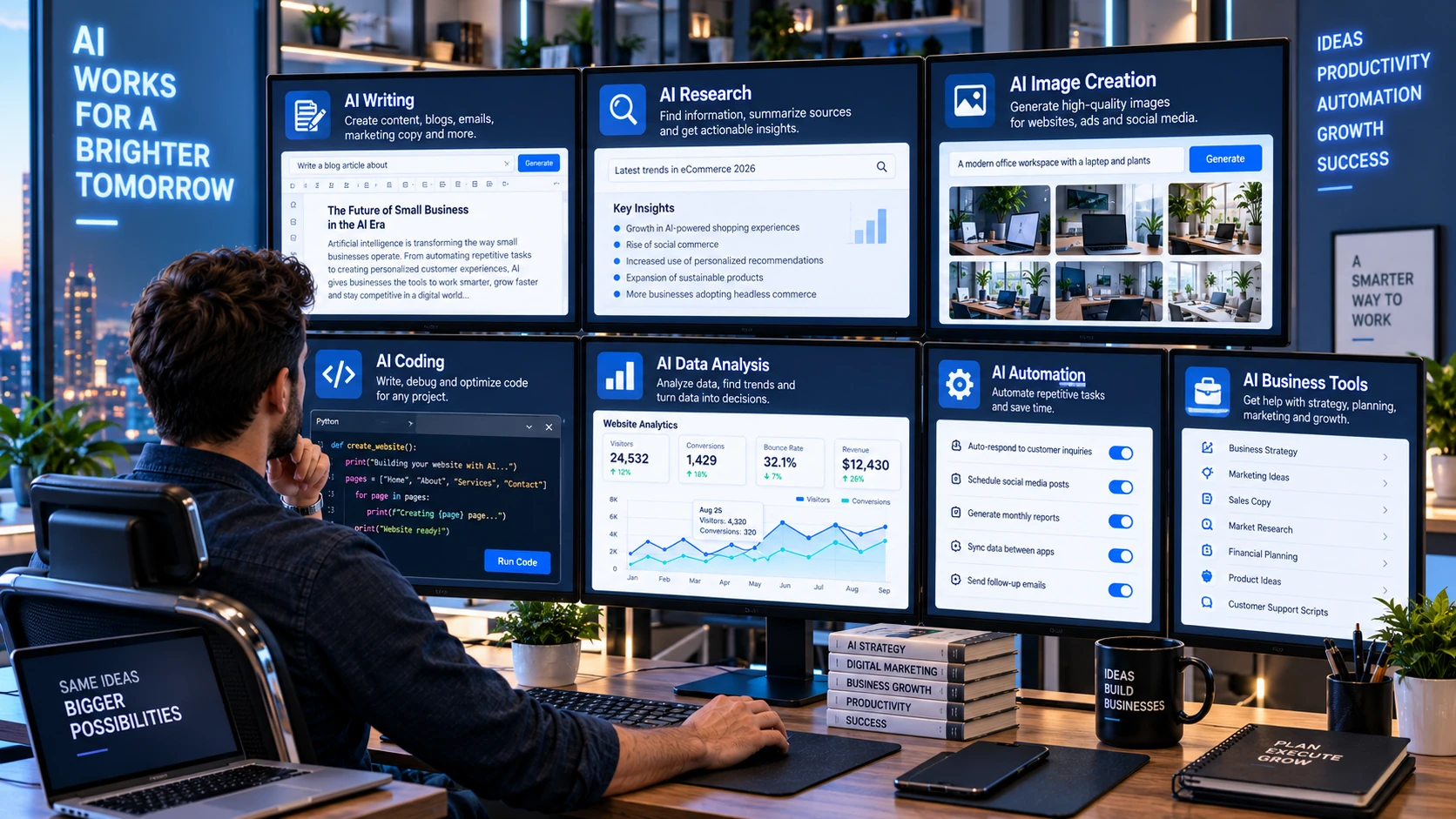
Artificial intelligence is no longer limited to research laboratories or large technology companies. Modern AI tools can help people write, analyze information, organize data, create images, generate code, automate repetitive work, and solve problems across many different fields. This growing range of capabilities has made how to ai almost anything an increasingly relevant idea for students, professionals, creators, and business owners.
The phrase does not mean AI can complete every task perfectly or replace human judgment. Instead, it describes a practical approach to identifying tasks where artificial intelligence can improve speed, creativity, analysis, or productivity. The most useful results usually come from combining a suitable AI tool with clear instructions, reliable information, and human review.
Best Website Builder Group also works in an environment where AI increasingly influences website creation, content, design, and digital workflows. Understanding how to apply AI effectively can therefore help businesses use these tools without relying on them blindly. The key is knowing what AI does well, where it struggles, and how to build a repeatable process around it.
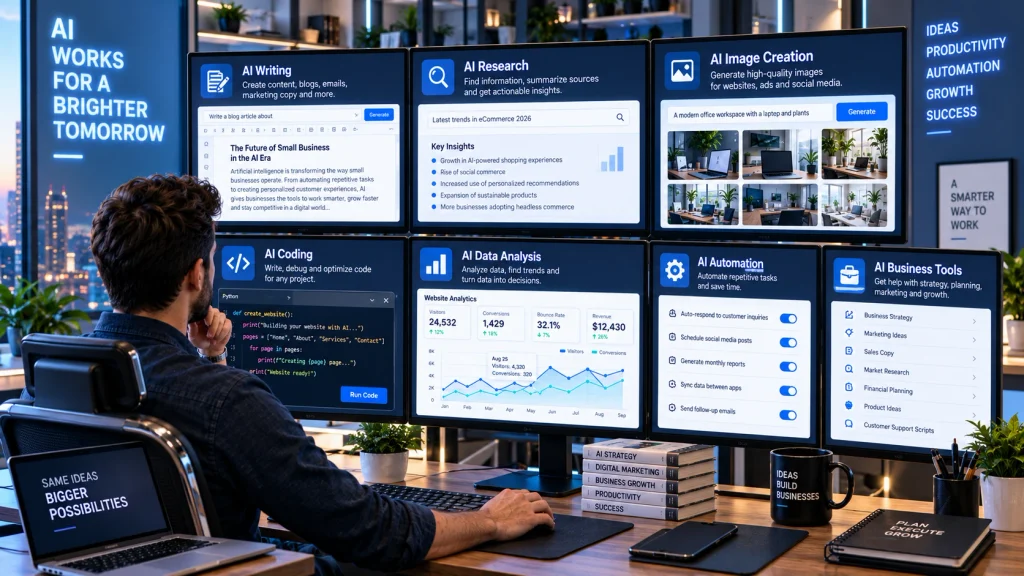
Start With The Task Instead Of The AI Tool
The easiest way to use artificial intelligence effectively is to begin with a problem you already need to solve. Avoid opening an AI application and asking what it can do without first thinking about your goal. Instead, identify repetitive, time-consuming, creative, or analytical tasks in your normal workflow. Examples might include summarizing a document, organizing research, drafting an email, comparing products, cleaning spreadsheet data, brainstorming ideas, or creating a first version of website copy.
Once you identify the task, decide what type of output would actually help. You may need a summary, table, recommendation, draft, image, calculation, classification, or step-by-step plan. This makes it easier to select the right tool and give useful instructions. MIT has even offered a graduate course titled How to AI (Almost) Anything, exploring how modern AI can work with language, images, audio, sensors, music, and other forms of real-world data. The broad lesson is that AI becomes more useful when applied to a clearly defined problem.
Give AI Clear Instructions And Context
The quality of an AI response depends heavily on the information provided in the request. A vague instruction such as “write something about marketing” gives the system very little direction. A stronger prompt explains the task, audience, purpose, tone, important facts, and desired format. For example, you could ask for a short product description aimed at first-time buyers and specify which product features should receive the most attention.
Context is particularly important when the task involves your own business, project, or data. Provide relevant background instead of expecting the system to know private details. You can also give examples of the style or structure you want. If the first result is weak, refine the request rather than abandoning the tool. Ask it to shorten sections, change the format, explain assumptions, or focus on a different audience. Effective AI use is often conversational. The first prompt creates a starting point, while follow-up instructions gradually move the output closer to what you actually need.

Use AI For Writing And Content Work
Writing is one of the most accessible uses of generative AI. It can help create outlines, brainstorm headings, rewrite confusing passages, summarize long documents, generate product-description drafts, suggest social media ideas, and organize rough notes. Businesses can also use it to explore different ways of explaining products or services before deciding which approach best matches their audience.
AI-generated writing still requires human editing. Models may repeat ideas, use generic language, misunderstand context, or present inaccurate information confidently. Content should therefore be checked for facts, tone, originality, and usefulness before publication. Search-focused content needs even more care because producing large amounts of generic copy does not automatically improve SEO. A strong workflow uses AI to accelerate planning and drafting while keeping humans responsible for accuracy and final quality. Businesses can also connect content work with professional web design services when AI-generated copy needs to become part of a clear, responsive, and professionally structured website rather than simply being pasted onto pages without considering layout or user experience.
Research, Summarize, And Analyze Information
Artificial intelligence can help reduce the time required to process large amounts of information. You can use it to summarize reports, explain technical concepts, compare documents, extract themes from customer feedback, organize meeting notes, or turn long research materials into structured points. When the AI tool supports uploaded files, it can often work directly with documents, spreadsheets, images, or other sources supplied by the user.
However, research requires verification. Generative AI can make mistakes, invent details, or rely on incomplete knowledge. Important facts should be checked against authoritative sources, especially when decisions involve money, health, law, safety, or current events. AI works best as an assistant that helps organize information rather than as the only source of truth. Ask the model to identify uncertainties, separate facts from assumptions, and explain what needs verification. You can also provide trusted documents and instruct it to work only from those sources. This approach reduces guesswork and makes the output more useful for serious research or business decisions.
Create Images, Audio, And Other Media
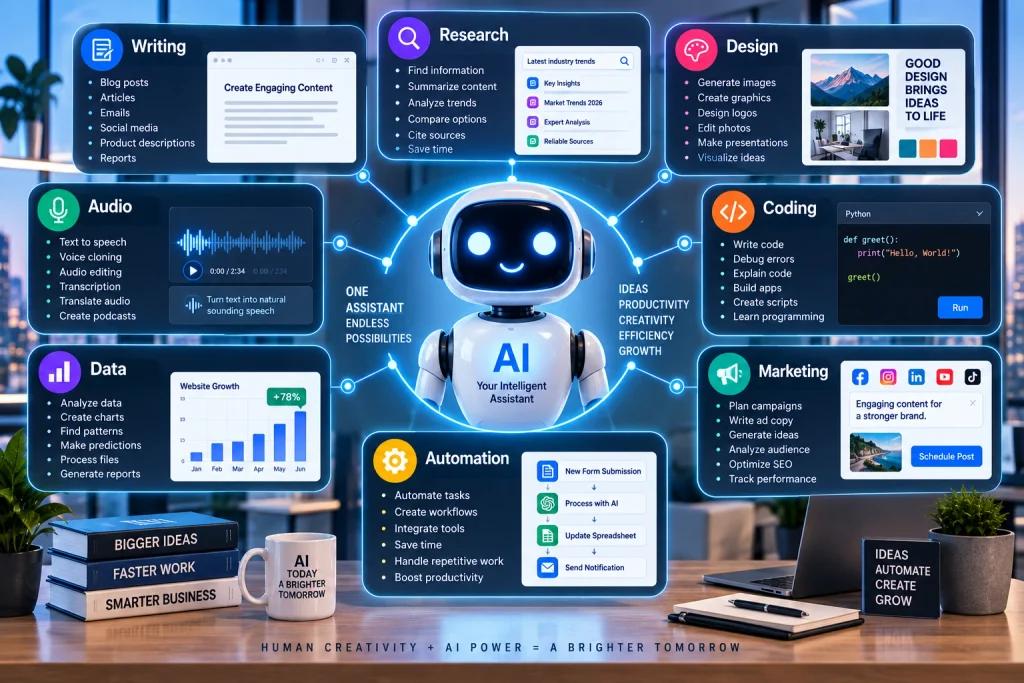
Modern AI systems can work with much more than text. Image-generation tools can create illustrations, product concepts, backgrounds, diagrams, advertising ideas, and visual references from written descriptions. Other systems can generate or modify audio, create synthetic voices, transcribe recordings, produce video elements, or analyze photographs. These capabilities allow one person to experiment with media that previously required several specialized tools.
Good results still require clear direction. Describe the subject, setting, composition, lighting, camera angle, visual style, dimensions, and important details when creating an image. For audio, specify voice characteristics, pacing, language, pronunciation, and intended use. Always review generated media carefully because visual artifacts, inaccurate text, unrealistic details, or incorrect branding can appear. Copyright, consent, and disclosure requirements may also matter depending on how the material will be used. AI should support creative production rather than encourage careless copying. The strongest workflows combine automated generation with human art direction, editing, quality control, and a clear understanding of where the final content will appear.
Automate Repetitive Business Tasks
Many useful AI applications involve repetitive work rather than dramatic creative tasks. Businesses can use AI to classify support requests, summarize customer conversations, extract information from documents, categorize leads, draft routine responses, organize records, or identify patterns in data. When AI connects with other software through APIs or automation platforms, it can become part of a larger workflow instead of operating as a separate chat window.
Automation should begin with predictable tasks that already follow clear rules. Document the current process before adding AI so you know which steps can be automated and which still require human approval. For example, a system might draft a response to a customer question but wait for an employee to review it before sending. Another workflow could classify incoming requests and route them to the correct team. Businesses building more advanced AI-powered tools may need professional web development services to connect models with websites, databases, forms, APIs, or internal systems. Good automation removes repetitive effort while keeping people responsible for important decisions.
Use AI For Coding And Problem Solving
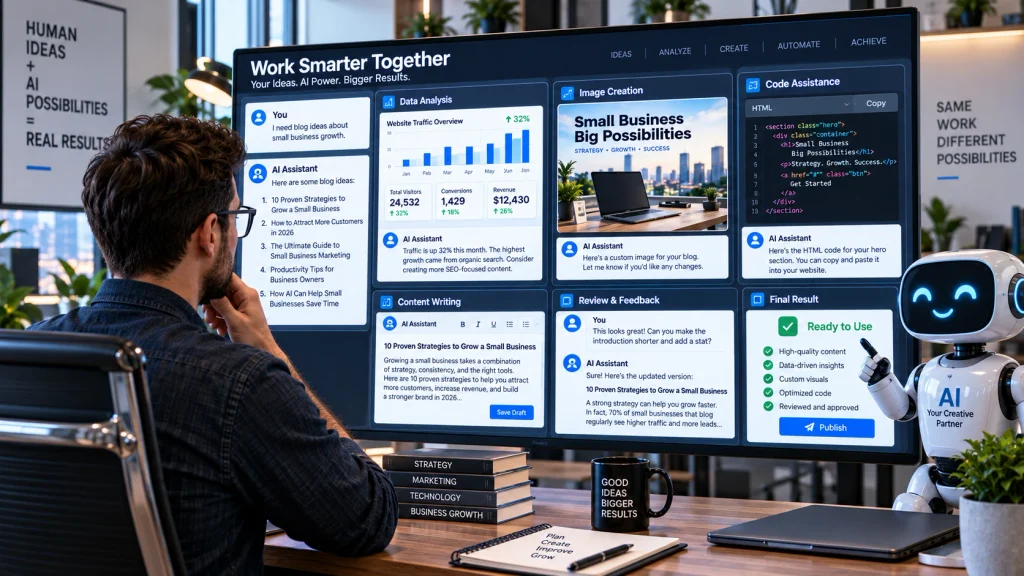
AI coding assistants can explain programming concepts, generate small functions, identify possible bugs, suggest database structures, write tests, and translate code between languages. This can make software development more accessible to beginners and improve the speed of experienced developers. Someone building a website, for example, may use AI to understand an error message or create a starting point for a custom feature.
Generated code should never be treated as automatically correct. It can contain security vulnerabilities, outdated methods, inefficient logic, or dependencies that do not exist. Developers should understand, test, and review anything produced before using it in a live environment. AI is particularly effective when the user gives the model specific requirements, existing code, error messages, and expected behavior. It can then work from concrete information rather than guessing. Even people who do not program professionally can use AI to understand technical issues more clearly. However, complex websites, payment systems, customer databases, and other critical applications still benefit from experienced development and proper testing before deployment.
Build A Reliable Human And AI Workflow
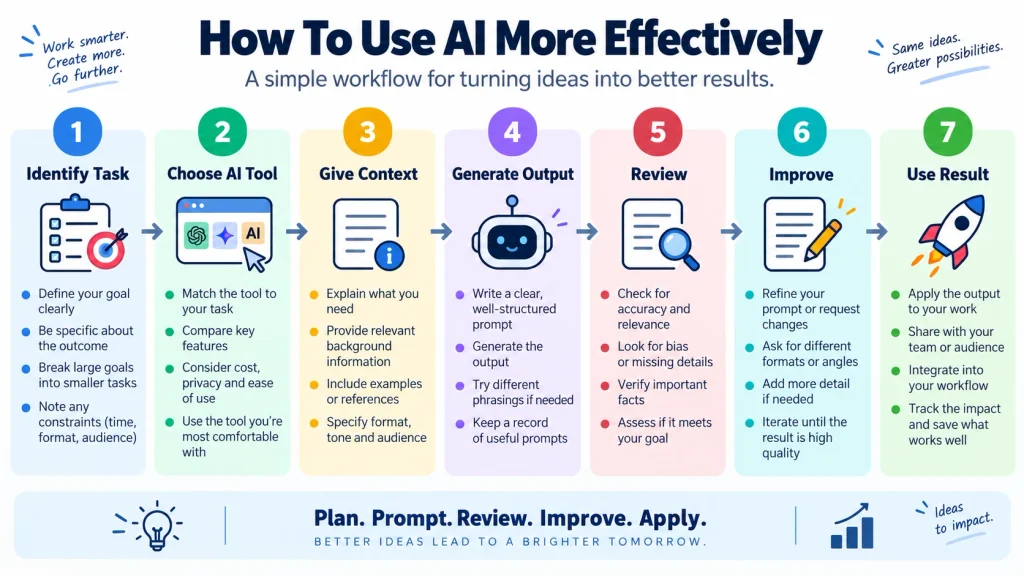
The most productive way to use AI is not to ask it to replace an entire job. Instead, divide work into stages and decide where automation genuinely helps. AI might generate ideas at the beginning, organize information in the middle, and check formatting near the end. A person can then verify facts, make strategic decisions, apply professional judgment, and approve the final result. This approach combines the speed of automation with the context and responsibility that humans provide.
Knowing how to AI almost anything ultimately means learning how to match the right task with the right tool. Start with clear goals, provide strong context, verify important outputs, and improve your process through repeated use. Artificial intelligence can support writing, research, design, media production, coding, analysis, and automation, but results still depend on how thoughtfully the technology is used. Best Website Builder Group helps businesses build and improve their digital presence as AI continues to change how websites and online workflows are created. The strongest approach is not using AI everywhere. It is using it where it saves time, improves quality, or makes previously difficult work easier to accomplish.