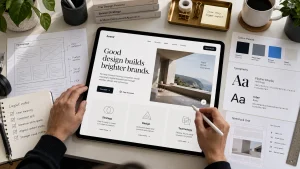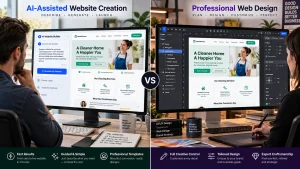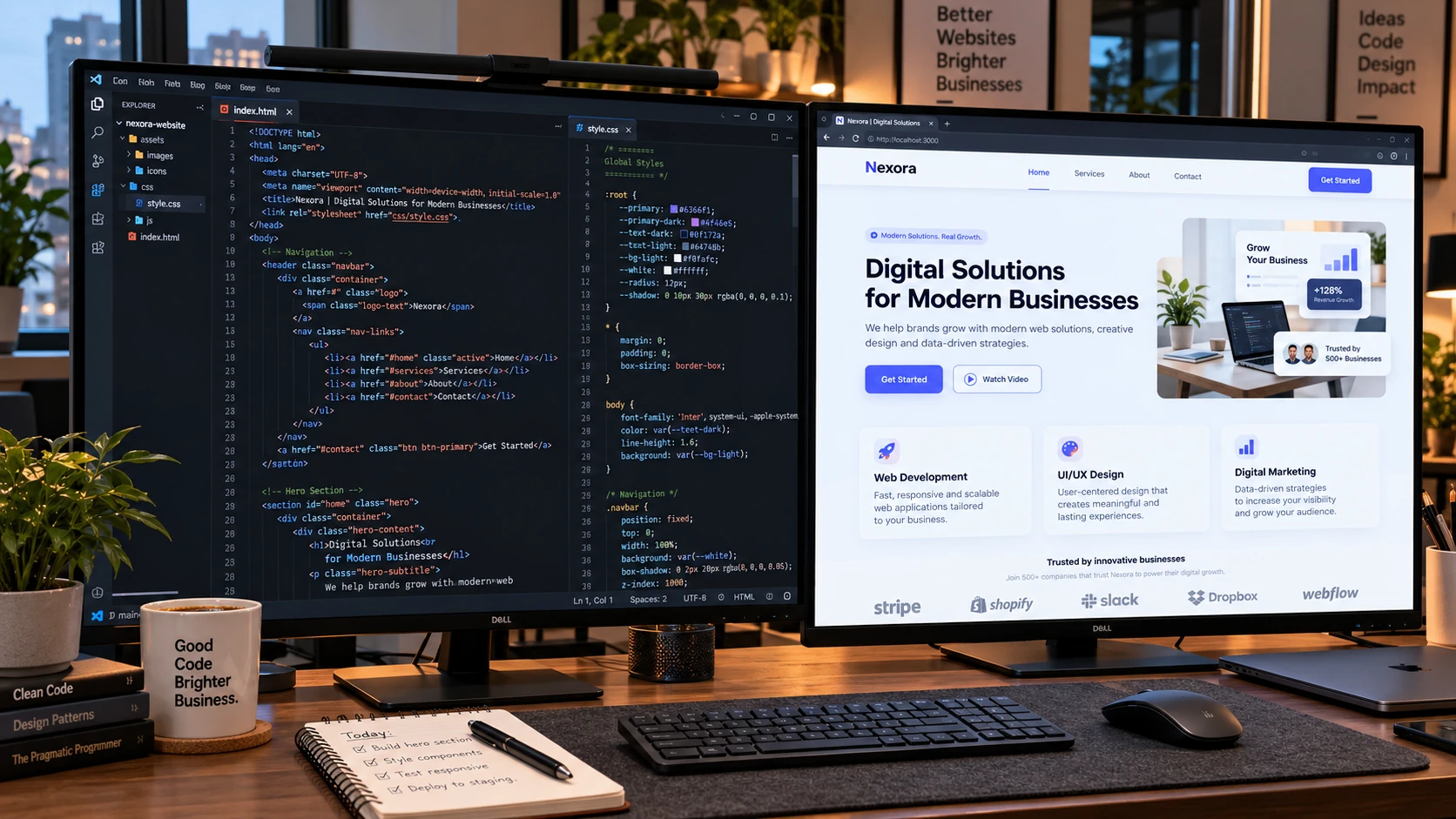
Designing web pages involves planning layouts, organizing content, selecting visual elements, and building responsive designs for different devices. Each page should have a clear purpose, readable content, and simple navigation. Understanding how to design web pages helps beginners create professional websites that are attractive, functional, and easy to maintain. A successful design combines visual consistency, accessibility, and practical features that meet visitor expectations.
You can create web pages using HTML, CSS, visual page builders, or content management systems like WordPress. Regardless of the method, following a structured process improves the final result. This guide explains the essential steps for designing effective web pages.
Different Types Of Web Pages
Websites contain different types of pages, each serving a specific purpose. A homepage introduces the business and directs visitors toward important sections. Service pages explain available solutions, while product pages display descriptions, images, and purchasing information. Blog pages provide educational content, and contact pages help visitors communicate with businesses. Understanding these differences makes it easier to select appropriate layouts and features.
Before beginning the design process, identify the primary objective of each page. For example, a service page should highlight benefits and provide an inquiry option. Meanwhile, an ecommerce product page needs pricing, specifications, and purchasing controls. When planning how to design web pages, consider the information visitors expect to find. Avoid using identical layouts without considering individual page requirements. Instead, maintain consistent branding while adapting the content structure to each purpose.
Planning A Consistent Website Design System
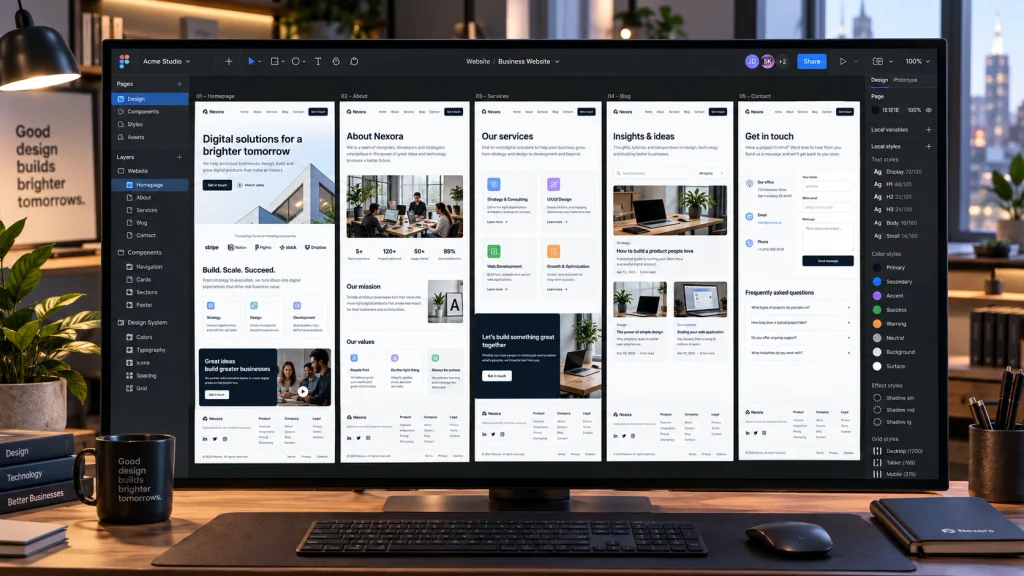
A website design system establishes visual rules that connect different pages. These rules include typography, color combinations, spacing, buttons, and reusable components. Without consistency, visitors may experience confusing changes when navigating between sections. Begin by selecting a limited color palette and readable fonts. Then, establish standard heading sizes, button styles, and spacing measurements. Understanding how to design web pages with consistent visual elements helps create a recognizable brand identity.
Reusable components also simplify website development. For example, service cards, testimonials, and contact buttons can follow similar styling across multiple pages. This approach reduces unnecessary design work and makes future updates easier. However, consistency should not prevent individual pages from having unique layouts. A homepage might use large visual sections, while a blog post requires a content-focused structure. Following shared design rules ensures that these pages still feel connected.
Designing Headers, Navigation, And Footers
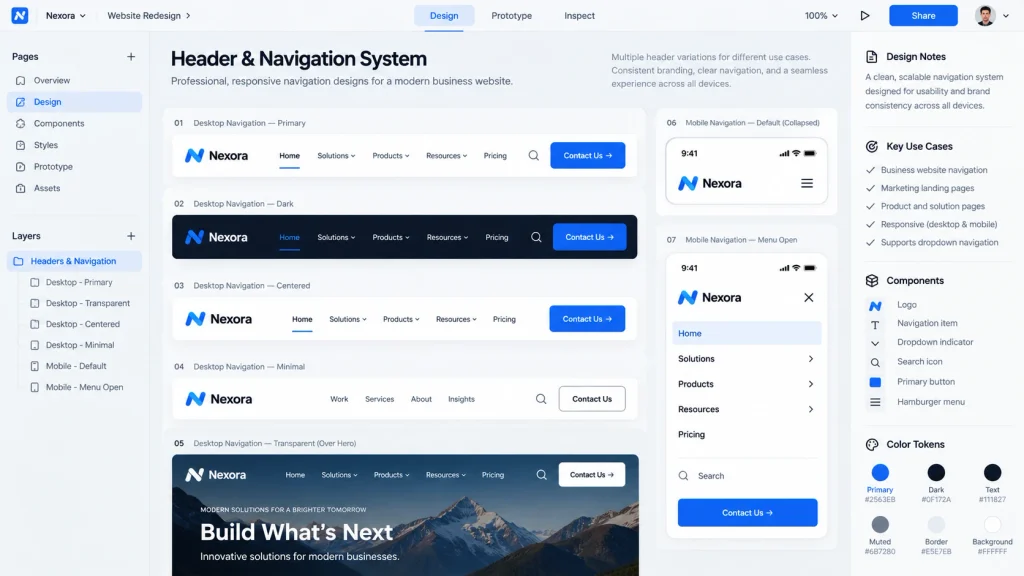
Headers and footers provide structure and support website navigation. A typical header includes a company logo, main navigation menu, and contact button. Use familiar labels such as Home, About, Services, and Contact. Avoid complicated dropdown menus that make information difficult to locate. Mobile headers should also provide simple navigation without occupying excessive screen space. Clear menus allow visitors to reach important pages without unnecessary steps.
Footers generally contain secondary navigation links, contact information, and important website policies. They may also display social media links and business details when relevant. Maintain consistent footer designs across the website so visitors can recognize familiar elements. An important part of how to design web pages effectively is creating navigation that works on desktop computers, tablets, and smartphones. Test every menu item and link to confirm that visitors can move between pages comfortably.
Creating Effective Home And Service Pages
Homepages and service pages require different content arrangements. A homepage should introduce the business, communicate its primary offering, and guide visitors toward relevant sections. Common elements include a hero section, service overview, customer testimonials, and contact information. Service pages should provide more detailed explanations of individual offerings. Each page needs descriptive headings, relevant images, and calls to action that match its purpose.
Knowing how to design web pages for different objectives helps determine which sections deserve priority. For example, a product page should highlight pricing and purchasing options, while an about page focuses on company credibility. The following table summarizes common page structures.
| Page Type | Important Sections | Primary Goal |
|---|---|---|
| Homepage | Hero, services, testimonials | Introduce the business |
| Service Page | Overview, benefits, FAQs | Generate inquiries |
| Product Page | Images, details, pricing | Encourage purchases |
| About Page | Background, team, experience | Build trust |
| Contact Page | Form, contact information | Receive inquiries |
Professional web design services can help businesses organize these elements into responsive, visually consistent layouts.
Building Responsive Layouts For Different Devices
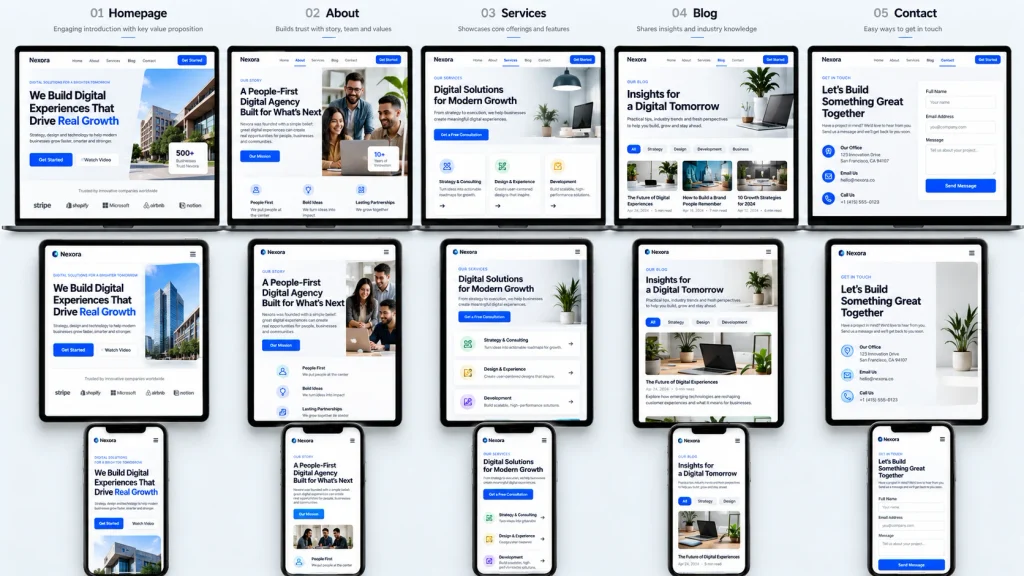
Responsive design allows website layouts to adapt to different screen sizes. Desktop pages may display several columns, while mobile layouts often arrange content vertically. Flexible containers, responsive images, and suitable spacing help maintain readability. Navigation menus, buttons, and forms should also adjust to smaller screens. Visitors should not need to zoom excessively or scroll horizontally to access important information.
When exploring how to design web pages, responsive behavior should remain a priority throughout development. Google’s responsive web design course explains how flexible layouts, media queries, typography, and responsive images support different devices. Avoid fixed dimensions that prevent content from adjusting naturally. Instead, use flexible structures and test layouts across multiple screen sizes. Responsive design improves accessibility and creates a more comfortable browsing experience for mobile visitors.
Using HTML, CSS, And Visual Page Builders
HTML, CSS, and JavaScript provide the foundation for modern website development. HTML organizes content through headings, paragraphs, images, and links. CSS controls visual presentation, including colors, spacing, typography, and responsive layouts. JavaScript adds interactive features such as dropdown menus, dynamic forms, and content updates. Learning how to design web pages with these technologies provides greater control over website appearance and functionality.
However, beginners do not need to write every line of code manually. Visual page builders allow users to create layouts through drag-and-drop interfaces. WordPress offers block-based editing and supports various visual design tools. These platforms simplify development while allowing users to customize sections, images, and page structures. Businesses requiring advanced functionality can explore professional web development services for custom features and integrations.
Improving Web Page Usability And Accessibility
Usability determines how easily visitors interact with website content. A user-friendly page provides clear navigation, readable information, and recognizable controls. Avoid overcrowded layouts, unnecessary animations, and confusing button labels. Organize content using descriptive headings and maintain sufficient spacing between sections. Contact forms should also remain simple and provide clear instructions when users encounter errors. These practices reduce frustration and make important actions easier to complete.
Accessibility ensures that visitors with different abilities can use the website effectively. Provide sufficient color contrast, meaningful alternative text for informative images, and keyboard-friendly navigation. Use descriptive links instead of vague instructions such as “Click Here.” Understanding how to design web pages for accessibility helps create inclusive digital experiences. Regular usability testing can reveal problems that may not appear during the initial design process.
Testing And Maintaining Web Page Designs
Testing is essential before publishing a website. Review each page on desktop computers, tablets, and smartphones to identify layout problems. Check navigation links, forms, images, and interactive buttons. Different browsers may display certain elements differently, so cross-browser testing is also important. When practicing how to design web pages, pay attention to loading speed, typography, spacing, and responsive behavior. A page that looks attractive in an editor may behave differently on actual devices.
Website maintenance continues after publication. Update outdated information, repair broken links, and review security settings regularly. Monitor page performance and visitor behavior to identify improvement opportunities. For example, if a service page receives traffic but generates few inquiries, examine its content and calls to action. Learning how to design web pages also involves refining existing layouts based on practical feedback. Regular improvements help maintain usability as visitor expectations and business requirements change.
Conclusion
Understanding how to design web pages requires combining visual design, content organization, responsive layouts, and development techniques. Every page should serve a clear purpose while following consistent branding and navigation rules. Effective typography, accessible features, and logical content arrangements improve the browsing experience.
HTML, CSS, and visual page builders provide different ways to create functional websites. However, testing and maintenance remain essential regardless of the chosen platform. Applying these principles helps beginners and businesses create reliable pages that support their objectives. At Best Website Builder Group, businesses can access professional website design and development solutions. These services help create responsive, organized web pages that support visitor engagement and long-term business growth.