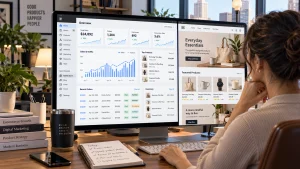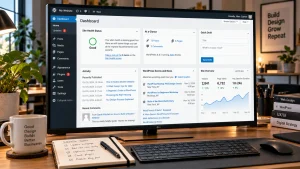
Building a professional website no longer requires you to become a programmer first. Modern website builders, content management systems, visual editors, templates, and no-code tools allow beginners to create polished websites without writing HTML, CSS, JavaScript, or other programming languages. This is why many business owners want to know how to create a professional website without coding while still achieving a result that looks credible and works properly.
The process involves much more than choosing a template and adding a logo. A professional website needs clear navigation, consistent branding, useful content, responsive layouts, fast loading times, strong calls to action, and a structure that supports search visibility.
Best Website Builder Group helps businesses create websites around these goals rather than simply filling a template with content. The same approach can guide a beginner using no-code tools. Start with planning, choose the right platform, build a clear structure, customize the design carefully, optimize the experience, and test everything before launch.
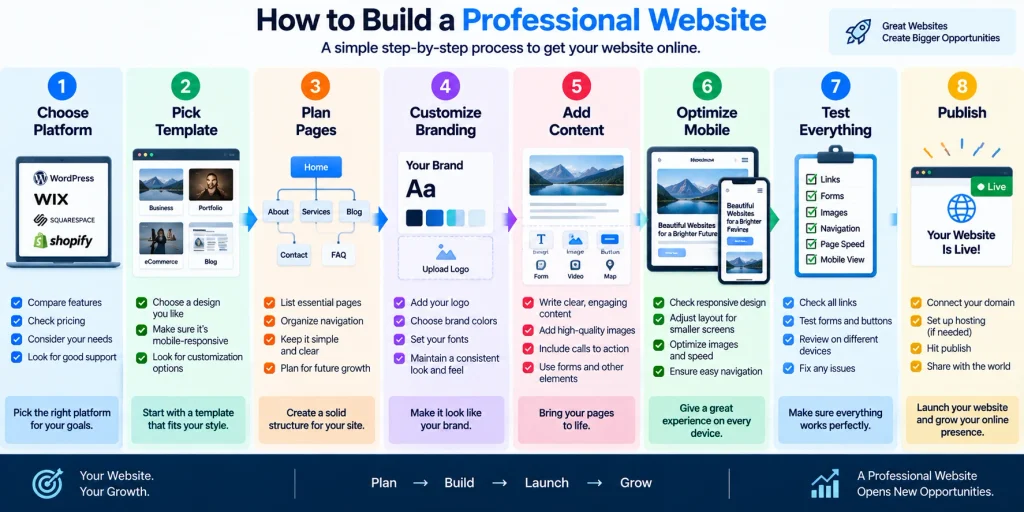
Choose The Right No-Code Website Platform
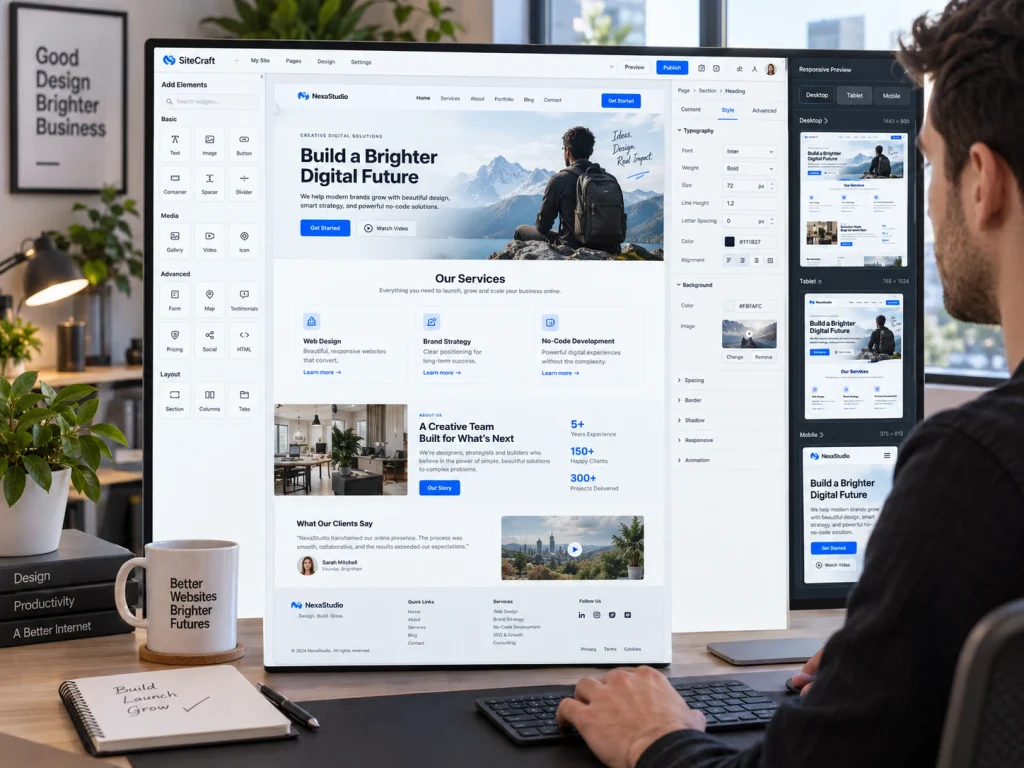
How To Create A Professional Website Without Coding? The first major decision is choosing the platform that will power the website. No-code website builders usually provide visual editing tools that let you add sections, images, buttons, forms, text, and other elements without manually writing code. WordPress can also support no-code workflows when combined with page builders and suitable themes. Ecommerce businesses may choose platforms designed specifically for online stores, while service companies may need simpler content and lead-generation features.
Choose the platform according to what the website needs to accomplish rather than selecting one because it looks easy in a demonstration. Consider whether you need ecommerce, appointment booking, blogging, membership features, payment processing, multilingual content, or advanced forms. Also think about future growth. A platform that works for five pages today should still support the business when the website becomes larger. Migration can be difficult later, so compare features, costs, customization options, integrations, and ownership requirements before building the first page.
Plan Your Website Before Designing It
A professional website should begin with a plan rather than a blank visual editor. Start by identifying the main purpose of the site. A service company may want leads, while an ecommerce business needs purchases. A portfolio may focus on showcasing work, and an informational site may prioritize content. Once the goal is clear, decide which pages visitors will need to achieve it.
Most small business websites need a homepage, About page, service or product pages, and a contact page. Some also need location pages, testimonials, case studies, pricing information, or a blog. Create a simple sitemap showing how these pages connect. Then decide which items belong in the main navigation. Keep menus straightforward and avoid adding unnecessary options. Planning the structure early prevents the website from becoming a collection of unrelated pages. It also helps you understand what content, images, forms, and calls to action need to be created before design work begins.
How To Create A Professional Website Without Coding
Once the structure is ready, choose a template or theme that closely matches the type of website you want. Do not select one simply because its demo contains impressive photographs or animations. Look at the underlying layout instead. Check where the navigation appears, how service sections are organized, how calls to action work, and whether the template adapts well to smaller screens. Starting with a suitable structure reduces the amount of customization required later.
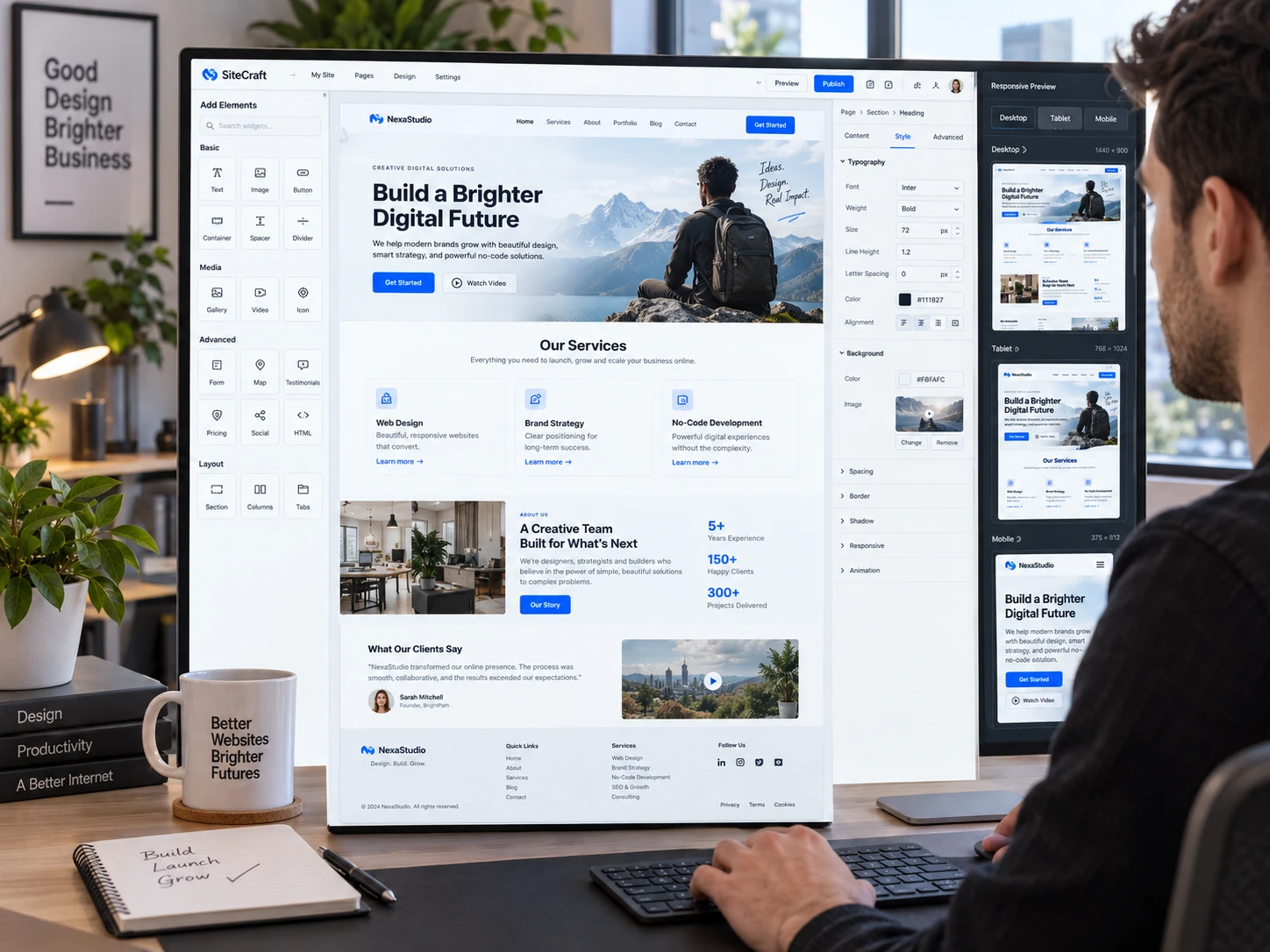
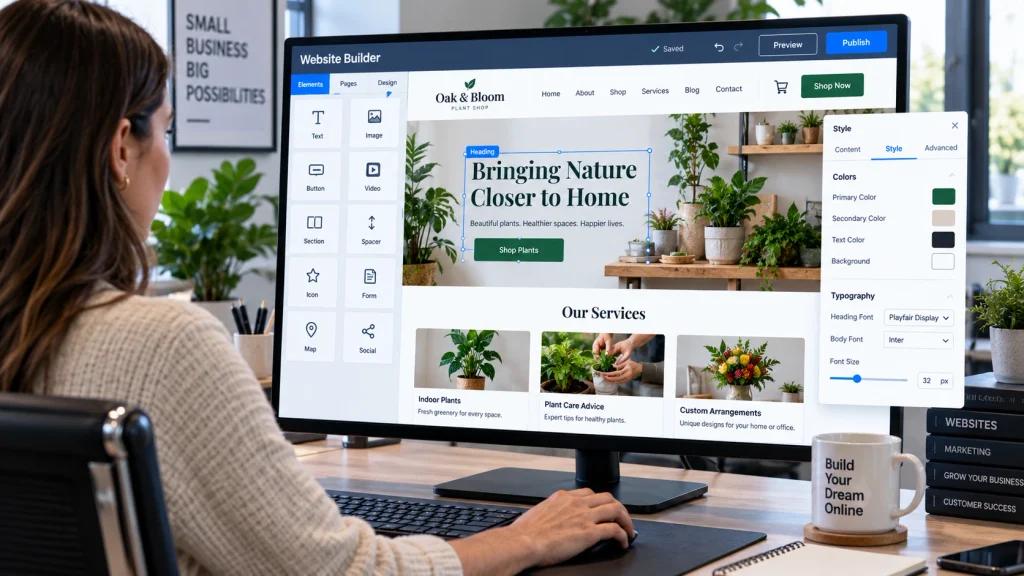
Use the visual editor to replace demo content with your own text, images, buttons, and branding. Keep layouts consistent from page to page. A homepage should clearly explain what the business offers, while internal pages should focus on specific topics. Businesses that want a more customized result without managing the design process themselves can use professional web design services from Best Website Builder Group. Professional assistance can help turn a basic no-code setup into a website built around real business goals and user needs.
Build A Consistent Visual Brand
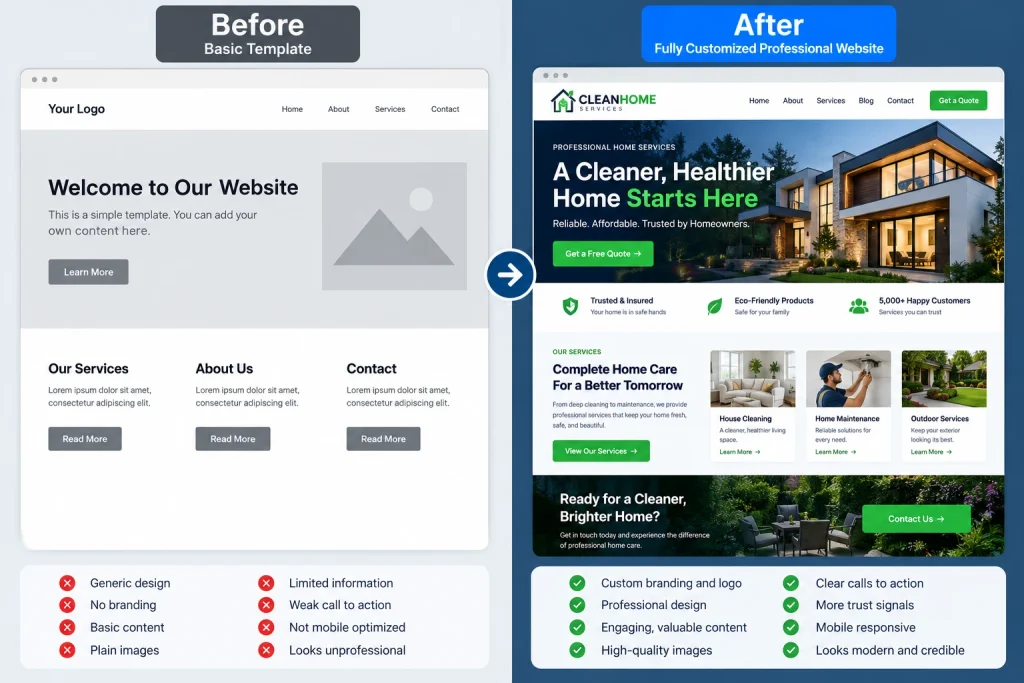
Professional websites usually use a limited and consistent visual system. Choose a primary brand color, one or two supporting colors, and neutral shades for backgrounds and text. Avoid using a different color scheme on every page. The same principle applies to typography. Select a small number of fonts and use them consistently for headings, body text, buttons, and other interface elements. This creates a more organized and recognizable appearance.
Images should also support the brand. Use sharp, relevant photographs instead of random visuals added only to fill empty space. If you use stock photography, choose images that feel consistent in lighting, style, and subject. Logos should remain clear on different backgrounds, while icons should follow a similar design style. Spacing is equally important. Crowded pages often look less professional than simple ones with enough space between elements. A consistent visual system makes even a relatively simple no-code website feel more polished and intentional.
Make Every Page Mobile Friendly
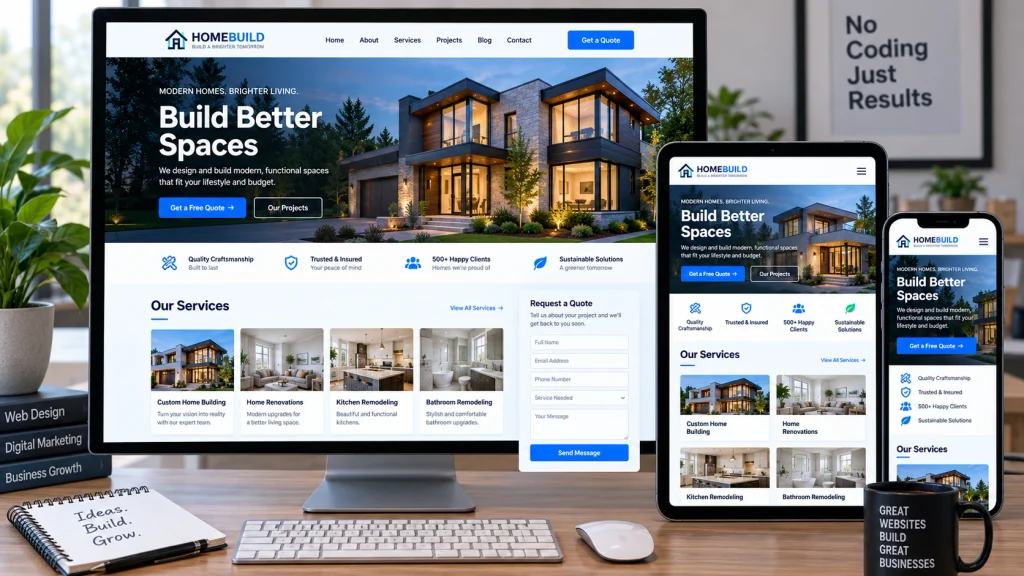
A website should work properly on smartphones before it is considered finished. Most no-code builders offer responsive settings, but automatic responsiveness does not guarantee that every section will look good. Check each page in mobile preview and test it on a real phone whenever possible. Large headings may need smaller sizes, columns may need to stack vertically, and wide images may need different cropping.
Buttons should be easy to tap, forms should be simple to complete, and important information should not disappear below unnecessary decorative sections. Navigation also needs careful attention because a desktop menu often changes into a mobile menu on smaller screens. Review the order in which sections appear after stacking because content that makes sense side by side may become confusing when displayed vertically. Google continues to emphasize a strong overall page experience, including mobile usability and technical quality, in its official search guidance. Responsive design therefore supports both visitors and the long-term quality of the website.
Write Clear Content And Calls To Action
Good design cannot compensate for confusing content. Each page should quickly explain what it is about and why the information matters to the visitor. Use descriptive headings and keep paragraphs focused. Avoid filling pages with generic language that could apply to almost any company. Service pages should explain what the business provides, who it helps, and what makes the service useful.
Every important page should also include a clear next step. A service business may use Request A Quote, Call Now, Book A Consultation, or Contact Us. An ecommerce store may use Shop Now or Add To Cart. Avoid displaying several equally prominent actions in the same section because too many options can create hesitation. Calls to action should appear at logical points after visitors receive enough information to make a decision. Professional websites guide users instead of expecting them to figure out the next step themselves. Clear content and purposeful buttons can make a no-code website feel much more organized and business-focused.
Optimize Speed, SEO, And Basic Performance
A professional website should load quickly and be easy for search engines to understand. Large image files are a common cause of slow pages in no-code builders. Resize and compress images before uploading them. Avoid adding unnecessary animations, background videos, or third-party widgets simply because the builder makes them available. Every additional feature should have a useful purpose.
Basic SEO should also be completed before launch. Write unique page titles and meta descriptions, use clear headings, create readable URLs, and add descriptive alternative text to meaningful images. Link related pages together naturally so visitors and search engines can move through the website more easily. Use HTTPS and make sure important pages can be crawled. Google recommends evaluating page experience as a combination of factors rather than relying on one single metric. No-code tools can handle much of the technical setup, but the website owner still needs to make sensible decisions about content, performance, page structure, and usability.
Google also recommends creating pages with a strong overall user experience rather than focusing on one technical metric alone. Its official page experience guidance covers areas such as Core Web Vitals, mobile usability, secure browsing, and avoiding intrusive elements. These factors matter even when a website is built with no-code tools. A visual builder can simplify development, but the finished site still needs to load smoothly, work well on mobile devices, and present content clearly. Reviewing these areas before launch can help prevent common problems that make a website feel slow, cluttered, or difficult to use.
Test Everything Before Going Live
How To Create A Professional Website Without Coding? Before launching, review the website as if you were a new visitor. Click every menu item and button. Submit every contact form. Check phone numbers, email addresses, pricing information, and social links. Test the site on desktop, tablet, and mobile screens. Look for text that wraps badly, images that appear blurry, sections with too much empty space, and buttons that are difficult to tap.
Creating a website without coding is easier than ever, but producing a professional result still requires planning and careful execution. The platform handles much of the technical work, while you remain responsible for structure, branding, content, usability, and quality control. Review the website again after launch and continue improving pages based on visitor behavior and business needs. Best Website Builder Group helps businesses build and improve professional websites when they want the convenience of modern website tools without sacrificing quality. With the right platform and a disciplined design process, you can create a strong business website without writing code yourself.