Many store owners search how to hide private products from WooCommerce store because not every product should be visible to all customers. Some products may be reserved for specific clients, wholesale buyers, or internal use. Showing these products publicly can create confusion or expose pricing strategies that are meant to stay private. A well managed store should display only relevant products to the right audience. When you learn how to hide private products from WooCommerce store, you gain better control over your catalog and improve user experience. Customers will only see products that apply to them, which keeps navigation simple and focused. This approach also supports better branding and ensures that your store looks professional. Managing product visibility is an important step for stores that offer different pricing tiers or exclusive products.
Understanding Product Visibility Settings In WooCommerce
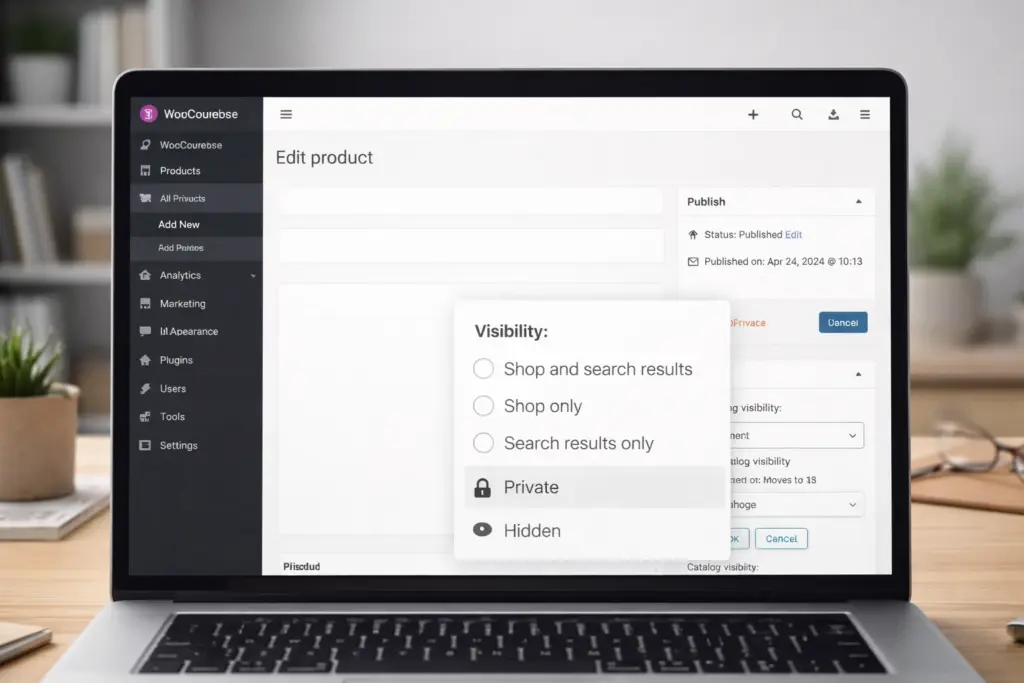
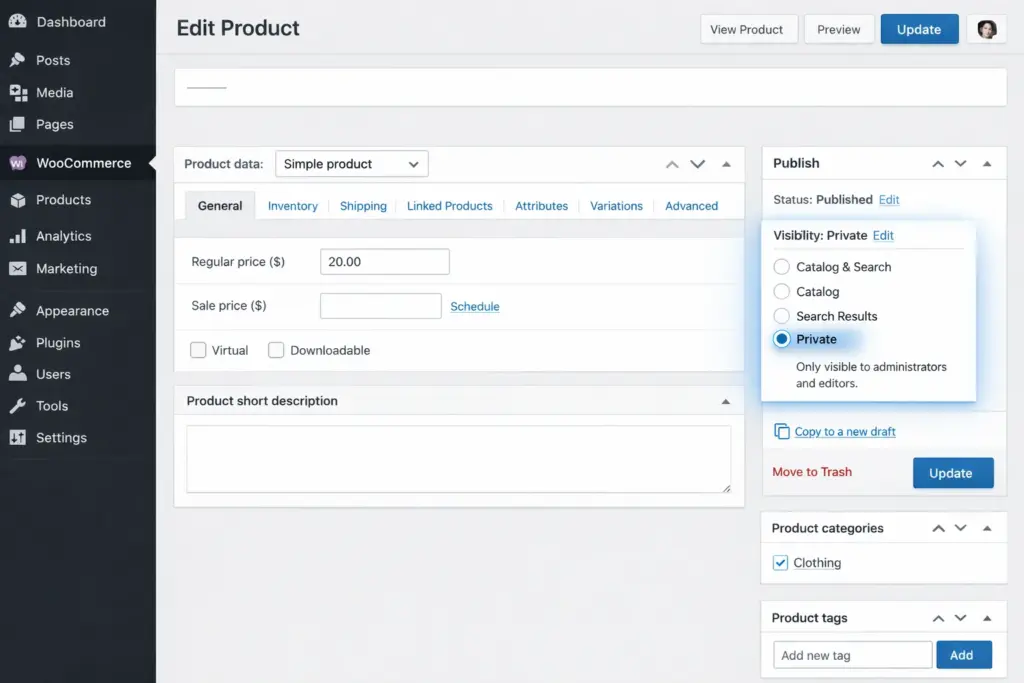
WooCommerce includes built in visibility settings that allow store owners to control how products appear on the site. Products can be set to public, private, or hidden depending on your needs. When exploring how to hide private products from WooCommerce store, it is important to understand how these settings work. Private products are only visible to administrators and specific users with permission. Hidden products can still be accessed through direct links but will not appear in the shop or search results. These options give store owners flexibility in managing their catalog. Proper use of visibility settings helps create a cleaner and more organized store. It also ensures that customers are not overwhelmed by irrelevant products.
Using Private Product Status For Restricted Access
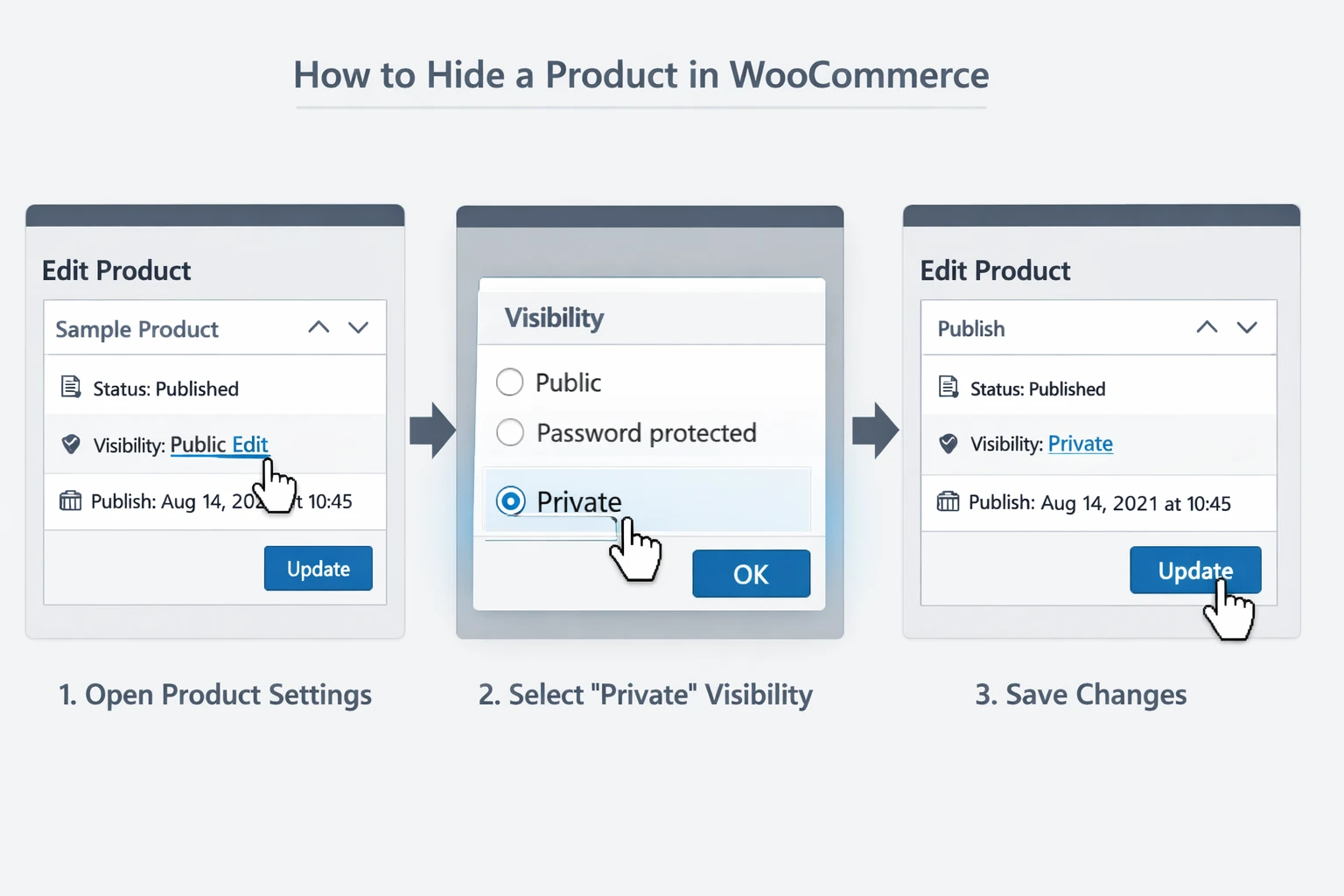
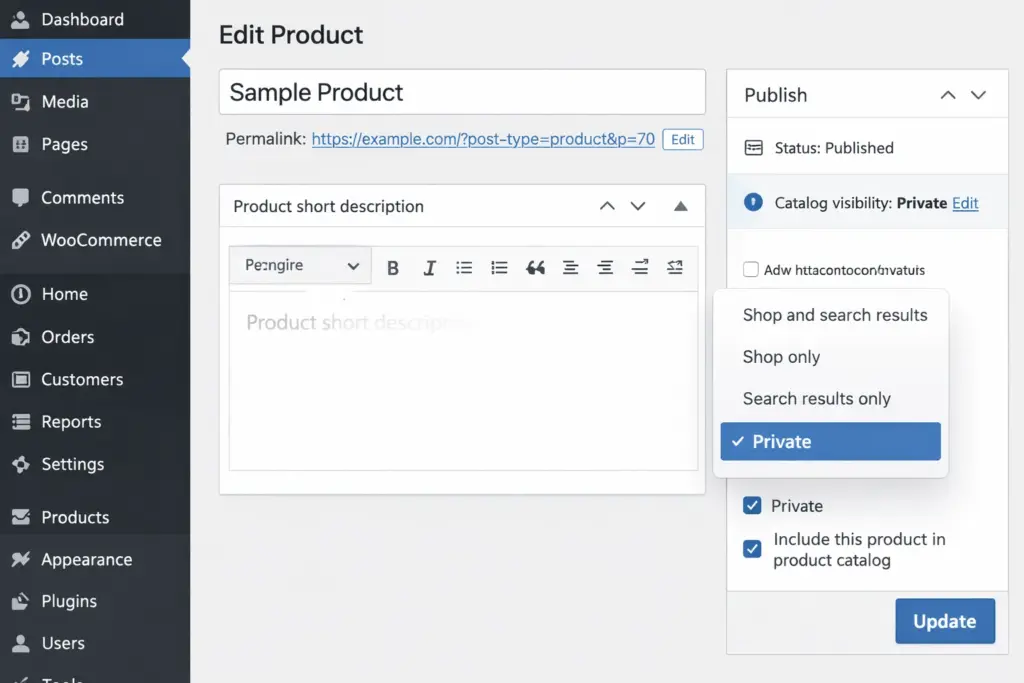
One of the simplest ways to hide products is by setting them to private. This option ensures that only authorized users can view the product. When learning how to hide private products from WooCommerce store, private status is useful for internal items or products meant for specific clients. Once a product is marked as private, it is removed from public listings and search results. This method does not require additional tools and can be implemented quickly. However, it is important to manage user roles carefully to ensure that only the right people have access. This approach works well for stores that need basic control over product visibility without complex customization.
Hiding Products From Shop And Search Pages
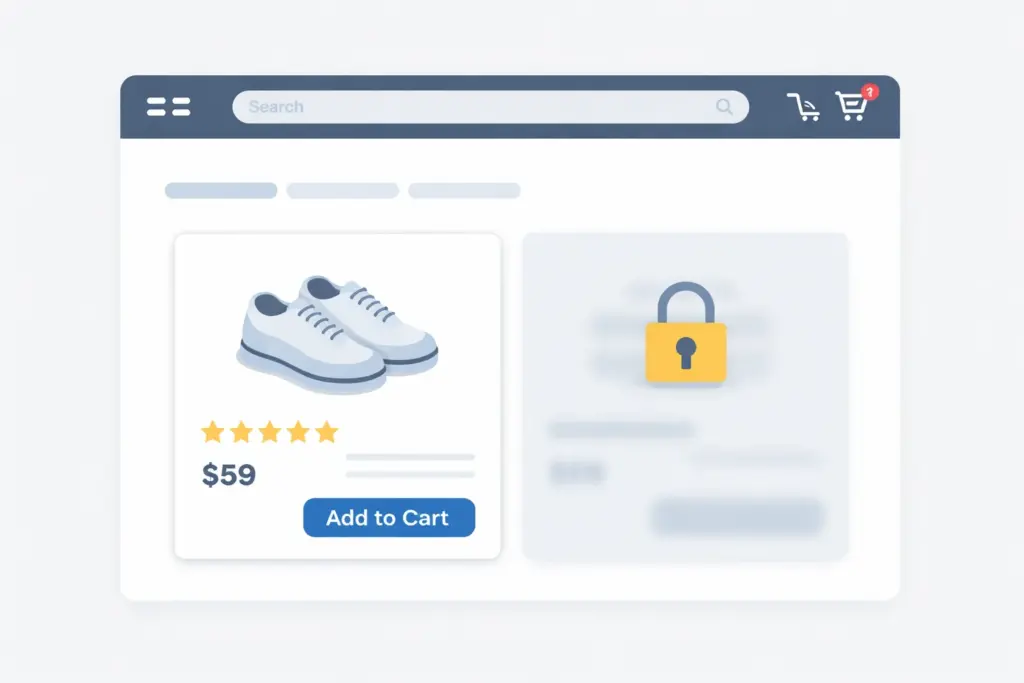
Another effective method is hiding products from the shop and search results while keeping them accessible through direct links. WooCommerce allows you to set product visibility to hidden, which removes it from public browsing areas. When exploring how to hide private products from WooCommerce store, this method is useful for exclusive offers or special promotions. Customers who have the direct link can still access the product, but it will not appear in general listings. This approach allows store owners to control access without fully restricting visibility. It is commonly used for targeted marketing campaigns or private sales. Proper use of hidden products helps maintain a clean storefront while offering flexibility.
Using User Roles To Control Product Access
User roles provide another layer of control for product visibility. Different roles, such as customer, subscriber, or wholesale buyer, can be assigned different access levels. When understanding how to hide private products from WooCommerce store, role-based access ensures that only specific users can view certain products. This method is particularly useful for stores that serve multiple customer groups. For example, wholesale customers may have access to products that are not available to regular buyers. Managing user roles allows store owners to create a personalized shopping experience. Businesses that focus on structured e-commerce systems often use WooCommerce Website Design to implement these features effectively.
Using Categories And Tags To Manage Visibility
Product categories and tags can also be used to control visibility. By organizing products into specific categories, store owners can hide entire groups of products from public view. When learning how to hide private products from WooCommerce store, this method helps manage large catalogs efficiently. Categories can be excluded from menus or search results, which keeps private products hidden from general users. This approach is useful for stores with multiple product lines or customer segments. Proper categorization improves organization and makes it easier to manage product visibility. It also supports better navigation for customers who are browsing the store.
Improving User Experience With Controlled Visibility
Hiding private products improves the overall user experience by reducing clutter and focusing on relevant items. Customers are more likely to engage with a store that presents clear and targeted options. When exploring how to hide private products from WooCommerce store, user experience should always be a priority. A clean storefront makes it easier for customers to find what they need. This reduces frustration and increases the chances of conversions. Businesses that prioritize user experience often combine visibility control with structured design solutions such as Website Redesign to improve navigation and layout. A well-organized store creates a positive impression and encourages repeat visits.
Performance And SEO Considerations
Product visibility also affects website performance and search visibility. Showing too many products can slow down your site and make it harder for users to navigate. When learning how to hide private products from WooCommerce store, optimizing visibility can improve performance. Search engines also benefit from a clear structure, as it helps them understand which pages are important. Removing unnecessary products from public listings can improve crawl efficiency and ranking potential. According to Forbes, user-focused design and performance optimization are key factors in online success. Managing product visibility supports both performance and SEO goals.
Common Mistakes To Avoid When Hiding Products
Many store owners make mistakes when managing product visibility. One common issue is hiding products without testing how they appear to different users. Another mistake is relying on a single method without considering other options. When exploring how to hide private products from WooCommerce store, it is important to use the right combination of settings and strategies. Failing to manage user roles properly can lead to unauthorized access. Not updating links or navigation can also create confusion for customers. Avoiding these mistakes ensures that your store remains organized and secure. Careful planning helps maintain a smooth and professional shopping experience.
Conclusion
Learning how to hide private products from WooCommerce store gives you better control over your product catalog and improves the overall shopping experience. From using private status and hidden visibility to managing user roles and categories, there are multiple ways to control access. Each method offers different levels of flexibility depending on your business needs. A well-managed store ensures that customers see only relevant products, which improves engagement and conversions. Businesses that focus on optimized ecommerce systems often work with experienced teams like Best Website Builder Group to create scalable solutions that support growth and efficiency.