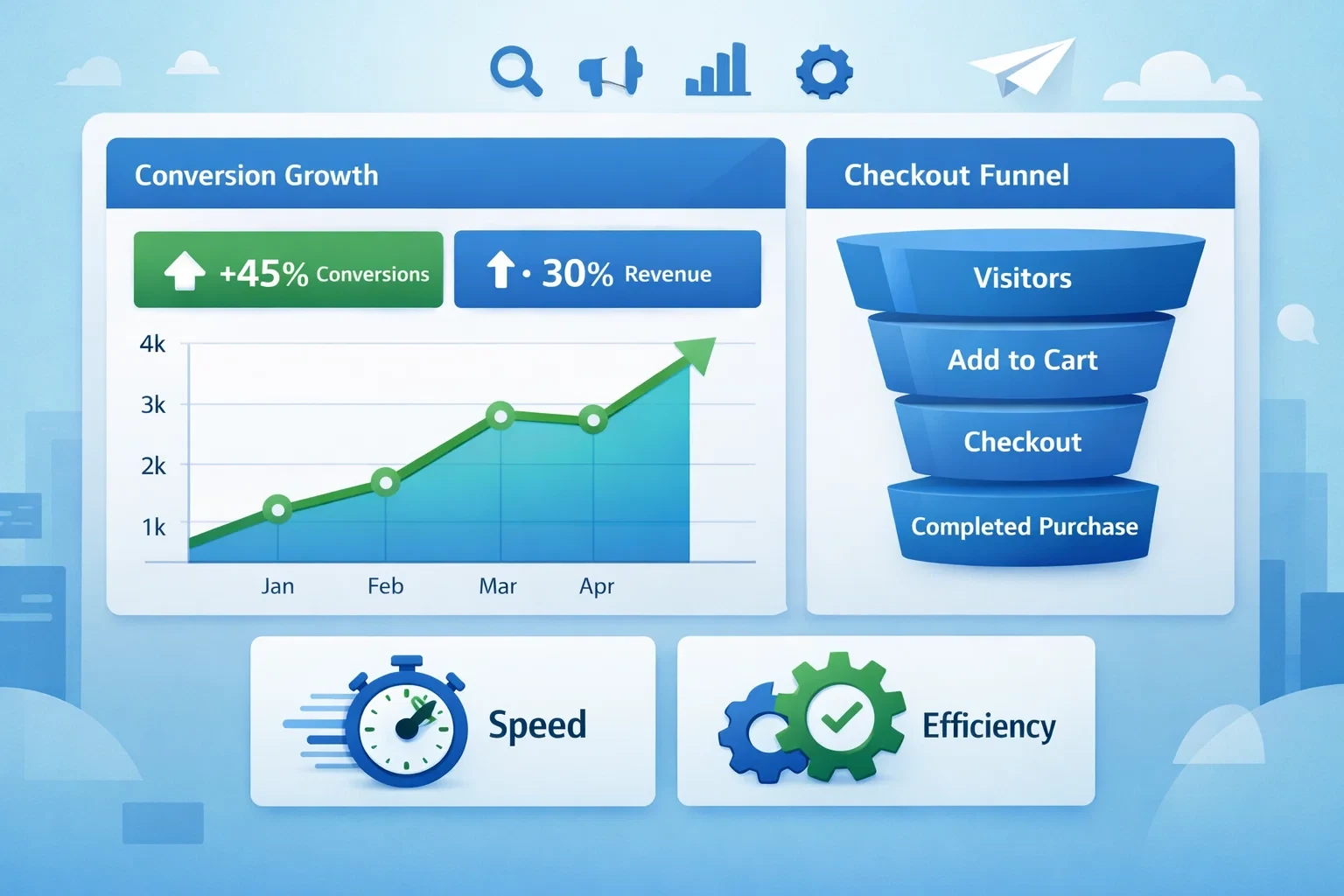
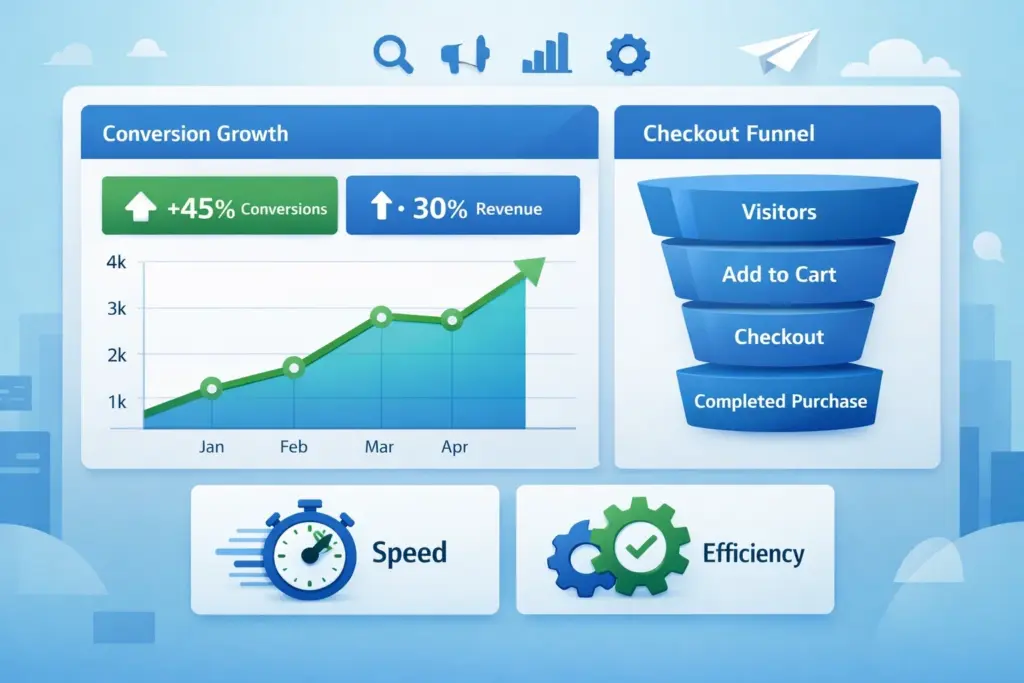
Many store owners search how to set WooCommerce to skip the cart because reducing friction in the buying process can significantly increase conversions. The cart page often acts as an unnecessary step, especially for stores that sell single products or promote quick purchases. When customers are forced to go through multiple steps, they may lose interest or abandon the process altogether. Skipping the cart allows users to move directly from product selection to checkout, which creates a faster and smoother experience. This is particularly useful for impulse purchases where simplicity plays a major role in decision-making. By simplifying the buying journey, businesses can improve user experience and increase sales. Knowing how to set WooCommerce to skip the cart helps store owners remove barriers and create a more efficient purchasing process.
How The Default WooCommerce Cart Flow Works
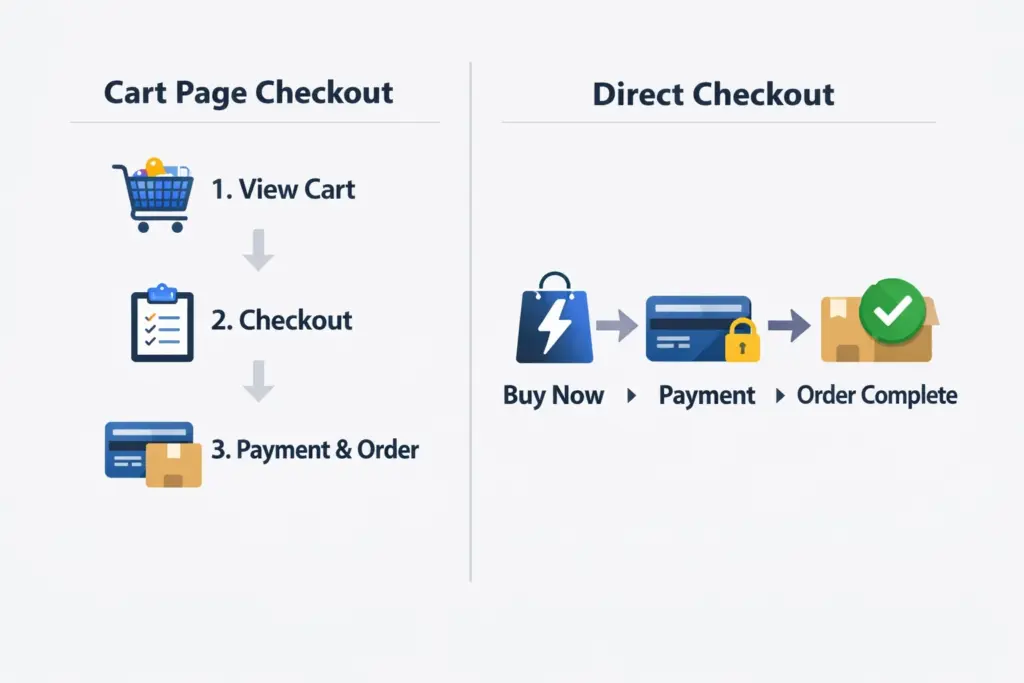
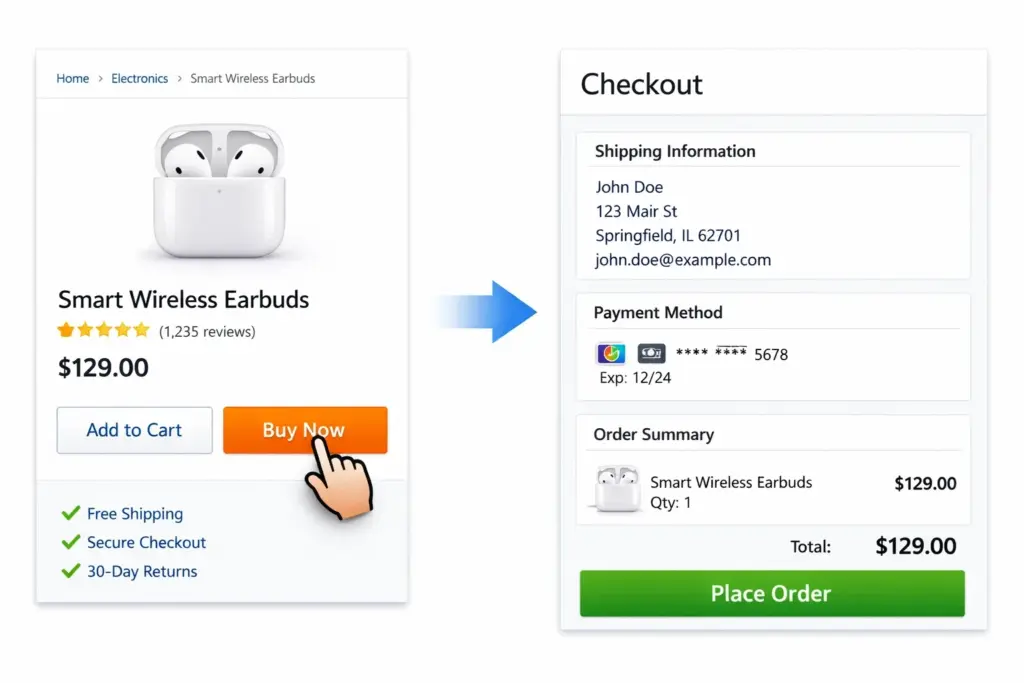
WooCommerce follows a traditional e-commerce structure where customers add products to the cart before proceeding to checkout. This process includes reviewing items, adjusting quantities, and confirming details before completing the purchase. While this approach works for many stores, it can slow down the buying process for others. When exploring how to set WooCommerce to skip the cart, it is important to understand how the default system operates. The cart page is designed to give users control, but it can also introduce delays. For stores focused on speed and simplicity, removing this step can lead to better results. Identifying whether your store benefits from a shortened checkout process is the first step in making this change.
When Skipping The Cart Makes Sense For Your Store
Skipping the cart is not suitable for every type of e-commerce business. Stores that sell complex products or require multiple item selection may still benefit from a cart page. However, for stores that sell single items, digital products, or limited variations, skipping the cart can improve efficiency. When considering how to set WooCommerce to skip the cart, it is important to evaluate your business model. If your goal is to encourage quick purchases, reducing steps can make a significant difference. Subscription services, promotional campaigns, and landing page-driven sales often perform better with a direct checkout approach. Choosing the right strategy depends on your target audience and the type of products you offer.
Using Direct Checkout Links To Bypass The Cart
One simple method to skip the cart is by using direct checkout links. These links allow customers to add a product to their cart and immediately redirect them to the checkout page. When learning how to set WooCommerce to skip the cart, this approach provides a straightforward solution without heavy customization. Direct checkout links can be added to buttons, landing pages, or promotional emails. This method works well for single-product campaigns where the goal is to reduce friction. It also allows store owners to maintain control over the user journey. Businesses that focus on structured ecommerce strategies often combine this approach with professional WooCommerce Website Design to ensure smooth navigation and optimized user flow.
Enabling Skip Cart Through WooCommerce Settings
WooCommerce provides settings that can help modify the checkout flow. One option allows automatic redirection to the checkout page after adding a product to the cart. When exploring how to set WooCommerce to skip the cart, enabling this setting can simplify the process. This method does not require coding and can be implemented quickly. It works by redirecting users immediately after they click the add to cart button. This reduces the number of steps in the purchasing process and improves efficiency. While this approach is easy to implement, it is important to test the user experience to ensure that customers are not confused by the sudden redirection. Proper testing helps maintain a smooth and intuitive experience.
Custom Code Solutions For Advanced Control
For store owners who need more control, custom code can be used to modify WooCommerce behavior. Developers can create functions that redirect users directly to checkout after adding products. When learning how to set WooCommerce to skip the cart, custom coding provides flexibility and allows for advanced customization. This approach is useful for stores with unique requirements or complex workflows. However, it requires technical knowledge and careful implementation. Incorrect code can affect website performance or functionality. Businesses that require advanced solutions often work with experienced teams to ensure proper implementation. Custom code allows for a tailored approach that aligns with specific business goals.
Improving User Experience With Faster Checkout
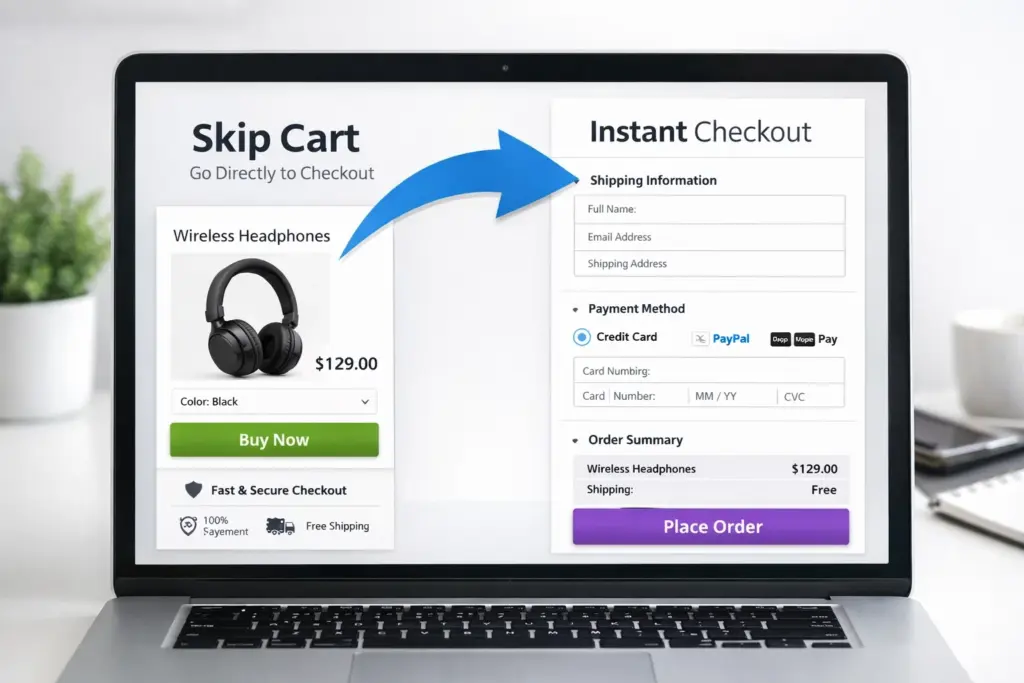
Skipping the cart improves user experience by reducing the time it takes to complete a purchase. Customers prefer fast and simple processes, especially when making quick decisions. When exploring how to set WooCommerce to skip the cart, the focus should always be on improving usability. A faster checkout process reduces frustration and encourages more users to complete their purchases. Clear navigation and minimal distractions help guide users directly to payment. Businesses that prioritize user experience often see higher conversion rates and lower abandonment rates. A streamlined checkout process creates a positive impression and encourages repeat purchases.
Optimizing Performance And Reducing Abandonment
Performance plays a major role in e-commerce success. Slow-loading pages or complicated checkout processes can lead to cart abandonment. When implementing how to set WooCommerce to skip the cart, performance optimization should also be considered. A fast website ensures that users can complete transactions without delays. Businesses often combine checkout optimization with professional SEO Services to improve both speed and visibility. According to FTC, clear and simple online processes improve consumer trust and reduce confusion. Reducing unnecessary steps helps create a smoother buying experience and increases the chances of completed transactions.
Testing And Monitoring Your Checkout Process
After implementing changes, it is important to monitor performance and user behavior. Testing helps identify whether skipping the cart improves conversions or creates confusion. When working on how to set WooCommerce to skip the cart, analytics tools can provide insights into user interactions. Tracking metrics such as conversion rates, bounce rates, and checkout completion helps refine your strategy. Continuous testing allows store owners to make adjustments and improve results over time. A data-driven approach ensures that changes lead to measurable improvements. Monitoring performance helps maintain a balance between simplicity and functionality.
Conclusion
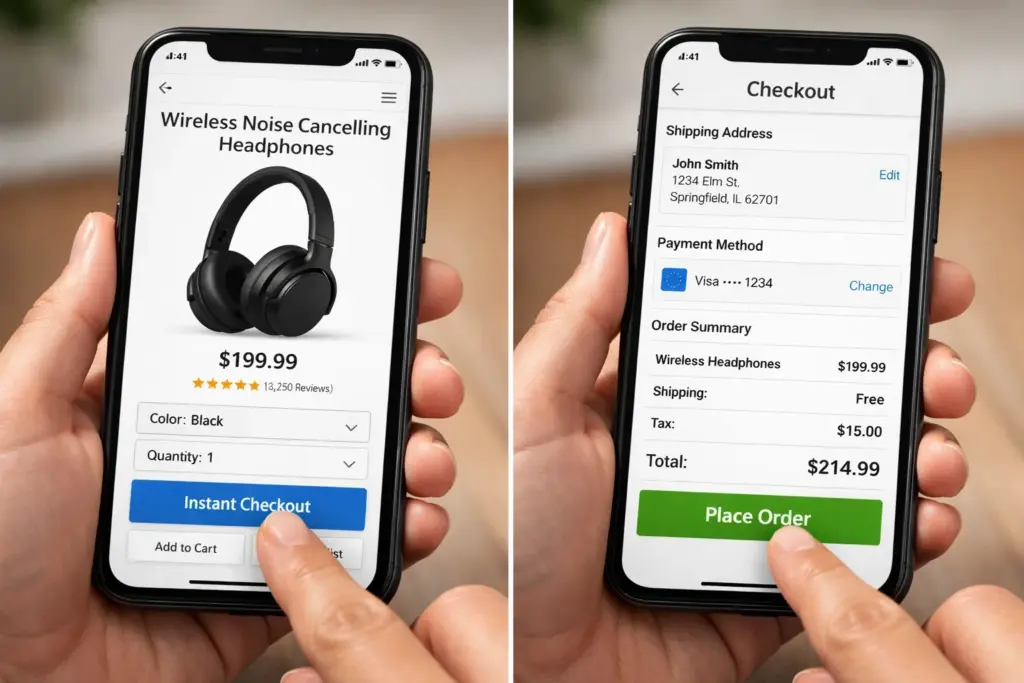
Learning how to set WooCommerce to skip the cart allows store owners to create a faster and more efficient checkout process. By removing unnecessary steps, businesses can reduce friction and improve conversions. Whether using direct checkout links, built-in settings, or custom code, each method offers different levels of control. The key is to focus on user experience and ensure that the process remains simple and intuitive. Businesses that prioritize optimization often work with experienced teams like Best Website Builder Group to build e-commerce systems that are both efficient and scalable. A streamlined checkout process helps improve customer satisfaction and supports long-term growth.