
If you want to learn how to make cool CSS animations to WordPress, you are likely looking for ways to make your website more engaging and modern. CSS animations allow elements on a page to move, fade, or transform smoothly without relying on heavy scripts. When applied correctly, they improve user experience and guide visitors toward important sections of the page. WordPress makes it easier to apply these animations through custom CSS, page builders, and theme settings. The key is using motion carefully so the design stays clean and fast. Well-planned animations can make buttons, images, and content sections feel interactive while maintaining strong performance and usability.
The Role of CSS Animations
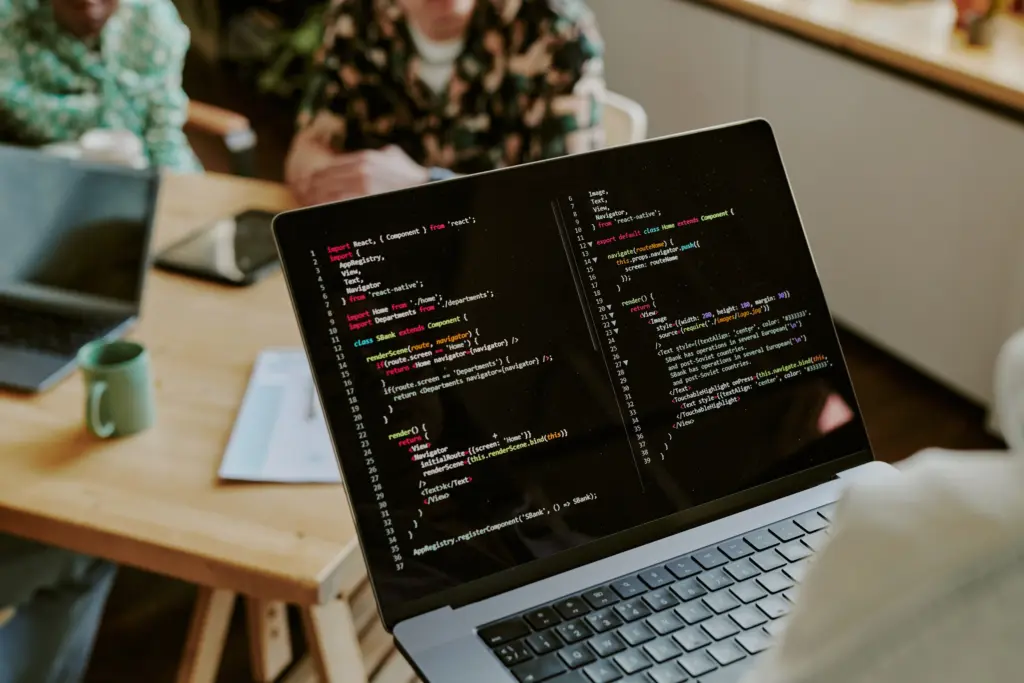
CSS animations control how elements change visually over time. Designers use properties such as transform, opacity, and keyframes to create motion effects. These effects include fades, slides, scaling, and rotation. The browser handles these animations efficiently when they are written correctly. This means websites can add motion without sacrificing speed. When visitors scroll through a page, animations can reveal sections gradually. This technique helps highlight important information and creates a smooth browsing flow. Instead of content appearing abruptly, animation guides the eye from one section to another. When used carefully, these effects improve clarity while keeping the design visually interesting.
Planning Where Animations Should Appear
Before implementing animations, designers should decide where motion will provide the most value. Important areas include call-to-action buttons, feature icons, image galleries, and testimonials. These elements often benefit from subtle movement because they encourage interaction. Animating every section of a page usually creates distraction and visual clutter. Instead, the goal is selective motion that guides attention to key content. Visitors should immediately understand where to click or explore next. By planning animation placement carefully, designers maintain a balanced layout. This approach ensures motion enhances the design rather than overwhelming it.
Adding CSS Animations Through WordPress
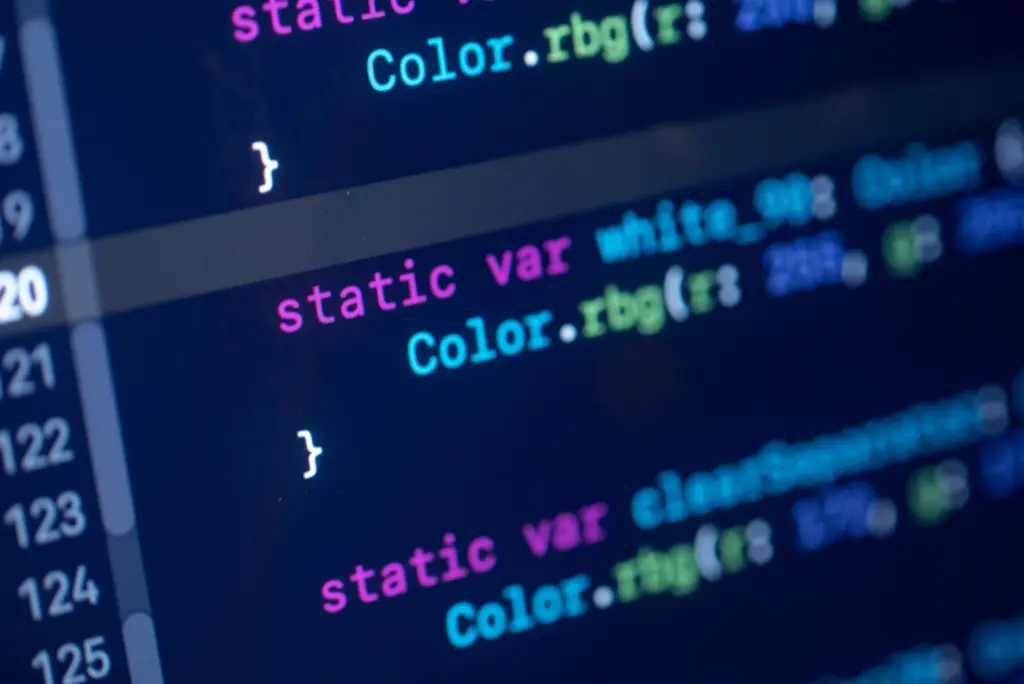
WordPress allows designers to add custom CSS in several ways. Many themes include a custom CSS panel inside the theme customizer. Page builders also provide areas for inserting animation styles. Developers sometimes prefer child themes because they keep code organized and safe from theme updates. Websites created with structured platforms like WordPress make it easier to manage animation styles. Clean layouts allow CSS selectors to target elements precisely. Designers should always test animations in preview mode before publishing them on a live website. Testing prevents unexpected layout changes and ensures the effect works correctly.
Using Simple Animation Effects First
Simple animation patterns usually create the best results. Effects such as fade-in transitions, slide-up sections, and small hover movements are easy to control. These patterns feel smooth and natural across devices. A section may appear gradually when the visitor scrolls down the page. A button might slightly scale when the cursor moves over it. These small details make the website feel interactive without distracting the user. Designers often start with these basic effects before experimenting with more advanced motion. Keeping animations simple also helps maintain fast loading times.
Matching Animation Style With Branding
The animation style should reflect the brand identity of the website. Corporate websites often use subtle transitions and minimal motion. These effects communicate professionalism and clarity. Creative brands may use stronger motion effects to express personality and innovation. Ecommerce stores commonly animate product cards or promotional banners to encourage engagement. If a business updates its design through Website Redesign, it is a good opportunity to create a consistent animation style. Consistency ensures that every page feels connected and visually organized.
Keeping Performance and SEO in Balance
Performance must remain a priority when adding animations. Efficient animations rely on CSS properties such as transform and opacity. These properties allow browsers to render movement smoothly. Heavy animation effects can slow page performance and affect usability. Optimized animations keep pages responsive on both desktop and mobile devices. Technical optimization supported by Technical SEO Services helps ensure that visual effects do not harm loading speed or search visibility. Designers should always test animations with performance tools to maintain a fast and reliable user experience.
Using Motion to Improve Interaction
Animations should support user interaction instead of acting as decoration. Motion can highlight elements that invite action. A button might lift slightly when hovered over. A card may scale gently to show that it is clickable. These visual cues help visitors understand how to interact with the interface. Designers often use animation in pricing tables, navigation menus, and feature highlights. When motion reinforces interaction, it becomes a functional part of the design rather than a purely aesthetic choice.
Testing Animations for Usability
Testing ensures animations work smoothly across devices and browsers. Effects that look perfect on a desktop screen may behave differently on mobile devices. Elements could overlap or animate too slowly on smaller screens. Designers should review the page on multiple screen sizes before publishing. Accessibility is also important because some users prefer reduced motion. Keeping animations short and subtle helps maintain comfort for all visitors. Research from usability experts at Nielsen Norman Group shows that controlled motion can improve engagement when it supports clarity.
Maintaining Animations Over Time
Websites evolve as content and layouts change. Animations should be reviewed regularly to ensure they remain consistent and functional. Plugin updates or layout adjustments may affect existing styles. Ongoing monitoring through Website Maintenance helps keep CSS organized and compatible with new updates. Designers may also refine animations to improve performance or usability. Maintaining a simple animation style guide helps ensure every page follows the same motion patterns.
Conclusion
Learning how to make cool CSS animations to WordPress is about thoughtful design rather than excessive motion. Simple effects can highlight key elements and improve interaction when used carefully. Designers should focus on performance, accessibility, and consistency while building animations. Motion should guide users through the page and support important actions. When animation is planned well, it enhances usability and strengthens visual appeal. Businesses that want to improve WordPress design and functionality can explore solutions from Best Website Builder Group.
