
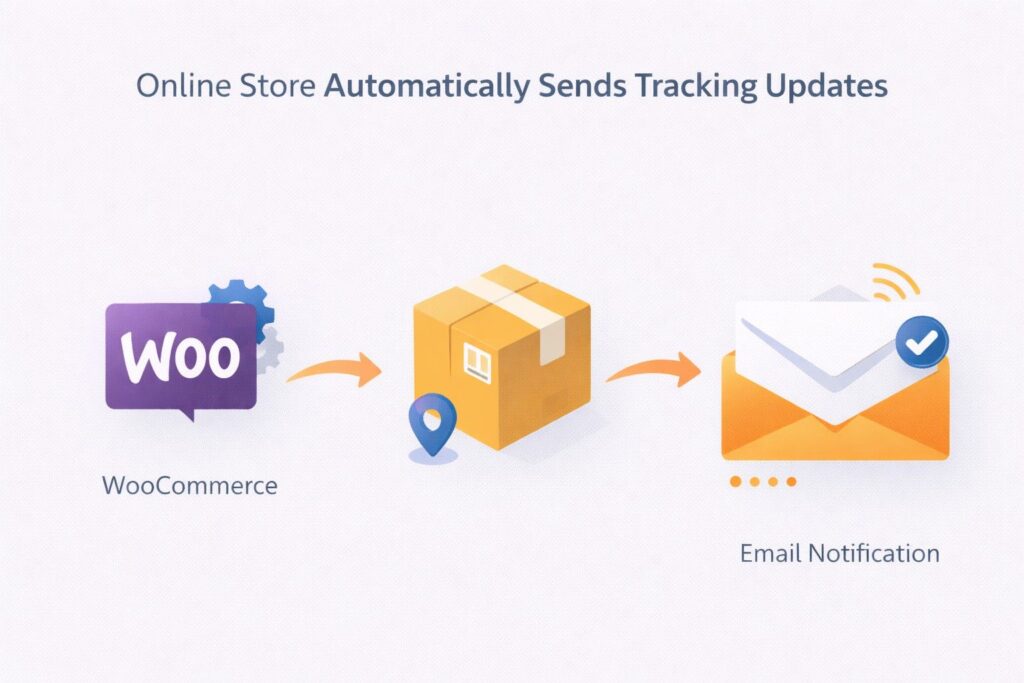
Every e-commerce store owner eventually looks for how to automatically send shipment tracking email WooCommerce because customers expect clear and timely updates after placing an order. Shipping is not just a backend process. It is a critical part of the buying experience. When customers receive tracking details immediately, they feel confident that their order is being handled properly. Without automation, store owners often need to send tracking emails manually, which can lead to delays, missed updates, and inconsistent communication. These issues can frustrate customers and increase support requests. Automating this process ensures that every customer receives accurate tracking information at the right time. It also reduces workload and improves operational efficiency. Learning how to automatically send shipment tracking email WooCommerce helps store owners deliver a smoother experience while building trust and improving customer satisfaction.
How WooCommerce Email Notifications Work By Default
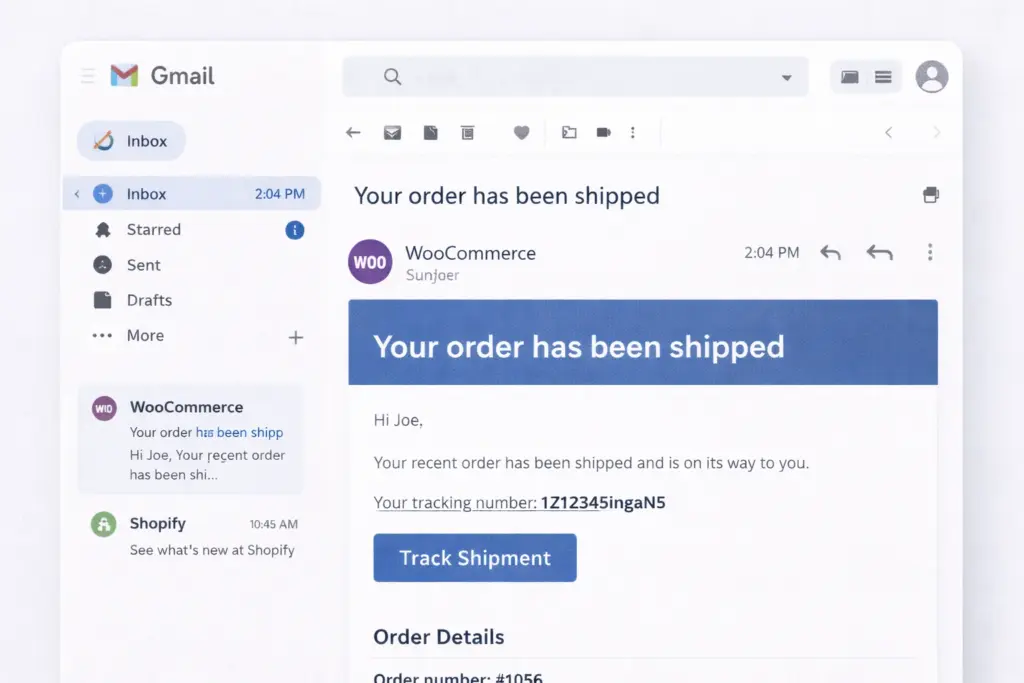
WooCommerce comes with a built-in email system that notifies customers about order status changes, such as order confirmation, processing, and completion. However, it does not automatically include shipment tracking details. By default, WooCommerce focuses on order management rather than shipping communication. Once an order is marked as completed, the system sends a notification, but it does not include tracking numbers unless they are manually added. This creates a gap in the customer journey because buyers want to know exactly where their package is and when it will arrive. To solve this, store owners need to extend WooCommerce functionality through custom code or integrations. Understanding how the default email system works makes it easier to identify where tracking automation should be implemented.
Adding Tracking Information Using Custom Fields
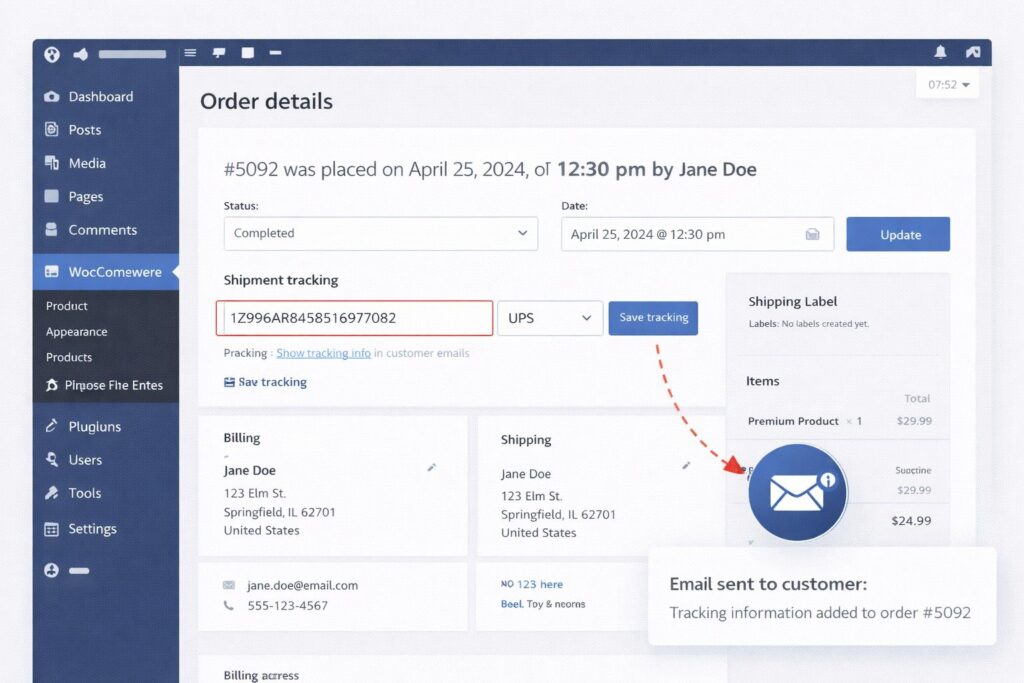
One effective way to manage tracking details is by using custom fields within WooCommerce orders. This approach allows store owners to store tracking numbers directly inside each order. Custom fields provide flexibility without requiring heavy external tools. Once a tracking number is added, it can be displayed within email templates using WooCommerce hooks. This ensures that the tracking information is included automatically when the order status changes. This method is especially useful for stores that handle a moderate number of orders and want control over how tracking details are presented. It also allows for customization of email content, which helps maintain brand consistency. Businesses that rely on structured systems often combine this method with professional WooCommerce Website Design to ensure clean implementation and reliable performance.
Using Shipping Carrier Integration For Automation
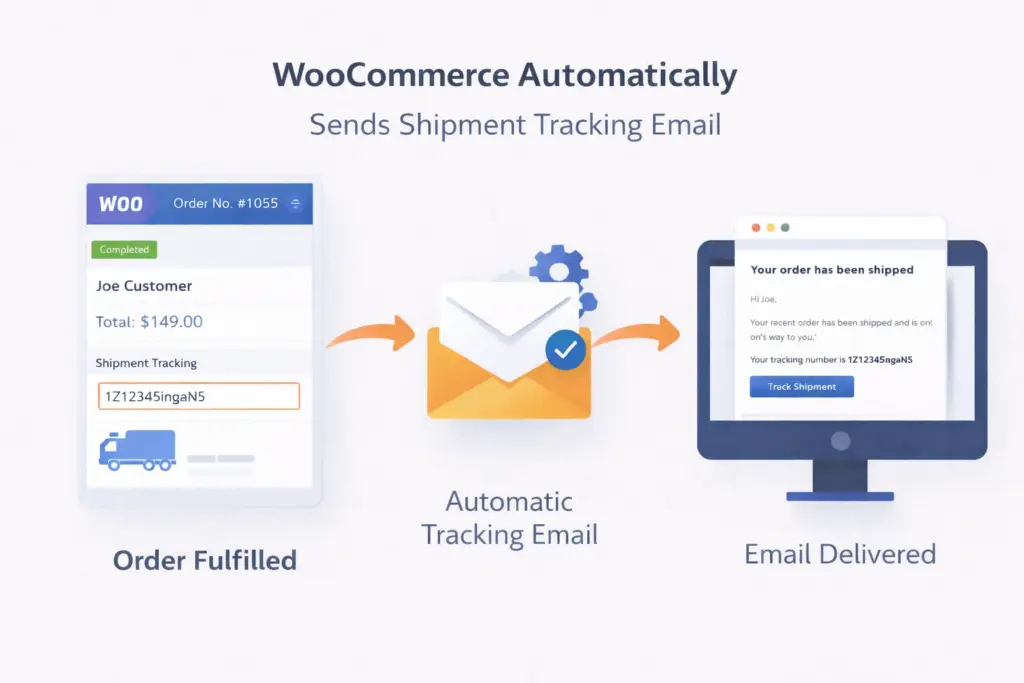
Integrating shipping carriers directly with WooCommerce is another powerful way to automate tracking emails. Carriers such as USPS, FedEx, and UPS provide systems that generate tracking numbers automatically when shipments are created. These integrations can streamline the entire process. Once an order is shipped, the tracking number is automatically linked to the order and included in customer notifications. This reduces manual work and ensures accuracy. It also improves efficiency by connecting order fulfillment with communication. Many e-commerce businesses prefer this method because it creates a seamless workflow from order placement to delivery. According to USPS, tracking updates play an important role in customer satisfaction and delivery transparency. Using carrier integration ensures that customers always have access to real-time updates.
Customizing WooCommerce Email Templates For Tracking
Email templates in WooCommerce can be customized to include tracking details in a clear and structured way. Customizing templates ensures that customers receive consistent and easy-to-read information. Tracking numbers should be displayed prominently along with a direct tracking link. This allows customers to check their shipment status without searching for additional details. Custom templates also help maintain branding by aligning email design with the overall website style. A clean and professional email layout improves readability and enhances trust. Businesses that invest in customization often see better engagement because customers can easily access the information they need. Properly designed emails reduce confusion and create a smoother post-purchase experience.
Improving Efficiency And Reducing Manual Errors
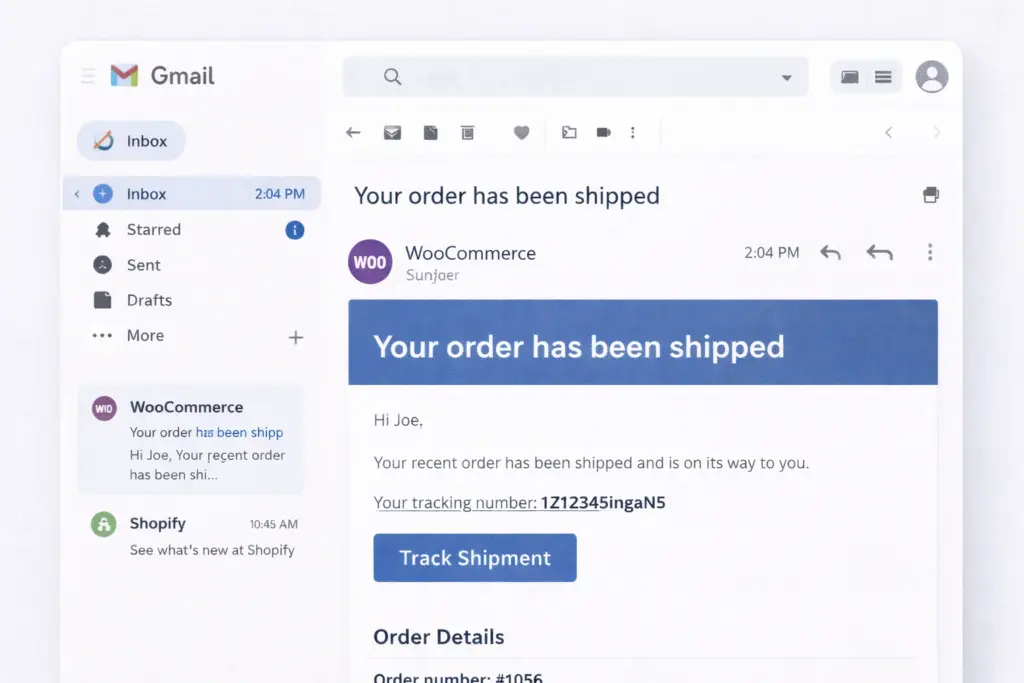
Manual processes often lead to mistakes, especially when managing multiple orders. Entering tracking numbers manually can result in incorrect information or delayed communication. When learning how to automatically send shipment tracking email WooCommerce, automation helps eliminate these issues. Automated systems ensure that tracking numbers are added accurately and sent immediately. This reduces the risk of errors and improves overall efficiency. It also allows store owners to focus on other aspects of their business rather than handling repetitive tasks. Automation creates consistency in communication, which is important for maintaining a professional image. As order volumes increase, automated systems become even more valuable because they scale with the business. This makes them essential for growing e-commerce stores.
Enhancing Customer Trust With Real Time Tracking Updates
Customers want transparency when it comes to shipping. They want to know when their order is shipped and when it will arrive. Providing real-time tracking updates helps build trust and improve satisfaction. When implementing how to automatically send shipment tracking email WooCommerce, real-time updates create a better connection between the business and the customer. Buyers feel more confident when they can track their package at any time. This reduces uncertainty and minimizes support inquiries. A positive post-purchase experience encourages repeat purchases and strengthens customer relationships. E-commerce businesses that prioritize communication often see higher retention rates because customers value clear and timely updates.
Maintaining Website Performance And Email Reliability
Automation systems rely on a stable website and reliable infrastructure. Poor website performance can delay email delivery or cause errors in tracking updates. When working on how to automatically send shipment tracking email WooCommerce, it is important to maintain your website regularly. Regular updates, performance monitoring, and optimization help ensure that emails are sent without delays. Businesses often use professional Technical SEO Services to improve website performance and ensure smooth functionality. A well-maintained website supports both customer experience and operational efficiency. Reliable systems ensure that tracking emails are delivered consistently, which is essential for maintaining trust.
Scaling Your WooCommerce Store With Automation
As your store grows, managing orders manually becomes more challenging. Automation allows you to handle larger volumes of orders without increasing workload. When understanding how to automatically send shipment tracking email WooCommerce, scalability is an important factor. Automated tracking systems grow with your business and ensure consistent communication regardless of order volume. This allows store owners to focus on growth strategies such as marketing and product expansion. Scalable systems also improve efficiency and reduce operational stress. Businesses that invest in automation early often find it easier to expand because their processes are already optimized. This creates a strong foundation for long-term success.
Conclusion
Learning how to automatically send shipment tracking email WooCommerce is essential for improving customer experience and streamlining operations. Automation ensures that tracking information is delivered accurately and on time, which builds trust and reduces support requests. From custom fields and email templates to carrier integrations, there are multiple ways to implement tracking automation effectively. Each method offers different levels of control and scalability depending on your business needs. E-commerce businesses that focus on efficiency and customer satisfaction often partner with experienced teams like Best Website Builder Group to build optimized systems that support long-term growth and reliable performance.
