
Learning how to add navigation on online store in Shopify is one of the most important steps in building a usable, conversion-focused eCommerce website. Navigation determines how customers move through your store, how easily they find products, and how confident they feel while shopping. Even the best products can underperform if customers struggle to locate them.
Shopify provides flexible navigation tools, but using them correctly requires strategy. Navigation is not just about adding menu links. It is about structuring information in a way that matches how real users browse, search, and make buying decisions.
Why Navigation Matters in a Shopify Store
Navigation is the backbone of your online store. It connects products, collections, pages, and content into a logical system. When navigation is clear, users feel oriented. When it is cluttered or confusing, users leave.
Good navigation directly impacts:
- User experience
- Conversion rates
- Average order value
- Bounce rate
- SEO crawlability
Search engines rely on navigation links to understand your store’s structure, and customers rely on it to feel confident while shopping. This makes navigation both a usability and SEO priority.
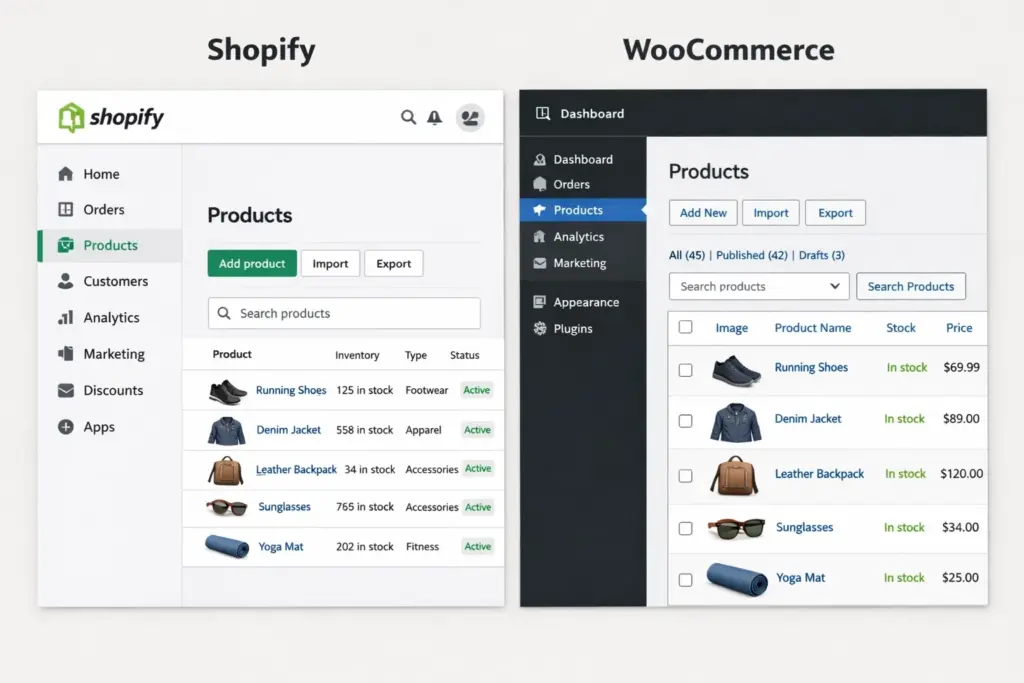
Understanding Shopify’s Navigation System
Before diving into how to add navigation on online store in Shopify, it’s important to understand how Shopify handles menus.
Shopify uses a centralized menu system that allows you to manage navigation independently of your theme layout. Menus can be displayed in different locations depending on your theme, such as the header, footer, or mobile menu.
Most Shopify stores use at least two core menus:
- A main menu for primary navigation
- A footer menu for secondary and informational links
Themes may also support additional menus, such as dropdowns or mega menus, depending on their design.

Accessing Navigation Settings in Shopify
To add or edit navigation, you start in the Shopify admin dashboard.
From the admin panel:
- Go to Online Store
- Select Navigation
This area displays all existing menus in your store. From here, you can create new menus, edit existing ones, and control how links are organized.
This centralized approach makes it easy to update navigation without touching code.
Creating a New Menu in Shopify
If your store requires a new navigation structure, you can create a menu from scratch.
When creating a new menu, you give it a name and then add menu items. Each menu item can link to:
- Products
- Collections
- Pages
- Blog posts
- External URLs
The flexibility of Shopify’s menu system allows you to build navigation that matches your store’s structure rather than forcing everything into a single menu.

Adding Links to Your Navigation Menu
Adding links is the core action when learning how to add navigation on online store in Shopify.
Each menu item should represent a meaningful destination. Good navigation labels are clear, descriptive, and aligned with how customers think. For example, “Shop All,” “New Arrivals,” or “Contact Us” are more intuitive than vague labels.
Shopify allows you to link directly to collections, which is especially useful for organizing products by category. This makes navigation scalable as your product catalog grows.
Organizing Dropdown Menus
Dropdown menus help manage complexity without overwhelming users. Shopify supports nested menu items, allowing you to create parent and child relationships.
For example, a “Shop” menu item can contain dropdown links to specific collections. This structure keeps the top-level navigation clean while still offering depth.
However, restraint is important. Too many dropdown items can be difficult to scan, especially on mobile devices. Navigation should simplify choices, not multiply them unnecessarily.

Navigation Placement and Theme Integration
Creating a menu is only part of the process. Your Shopify theme determines where that menu appears.
Most themes automatically display the main menu in the header and footer menu at the bottom of the site. Some themes allow you to assign different menus to different locations through the theme customizer.
If you do not see a menu displaying as expected, it is usually a theme configuration issue rather than a navigation setup problem.
Mobile Navigation Considerations
Mobile navigation requires special attention. On smaller screens, menus collapse into icons or slide-out panels. This changes how users interact with navigation.
When learning how to add navigation on online store in Shopify, always review how menus behave on mobile. Items that are easy to access on desktop may become buried or awkward on touch devices.
Clear labels, limited depth, and logical grouping are especially important for mobile usability.
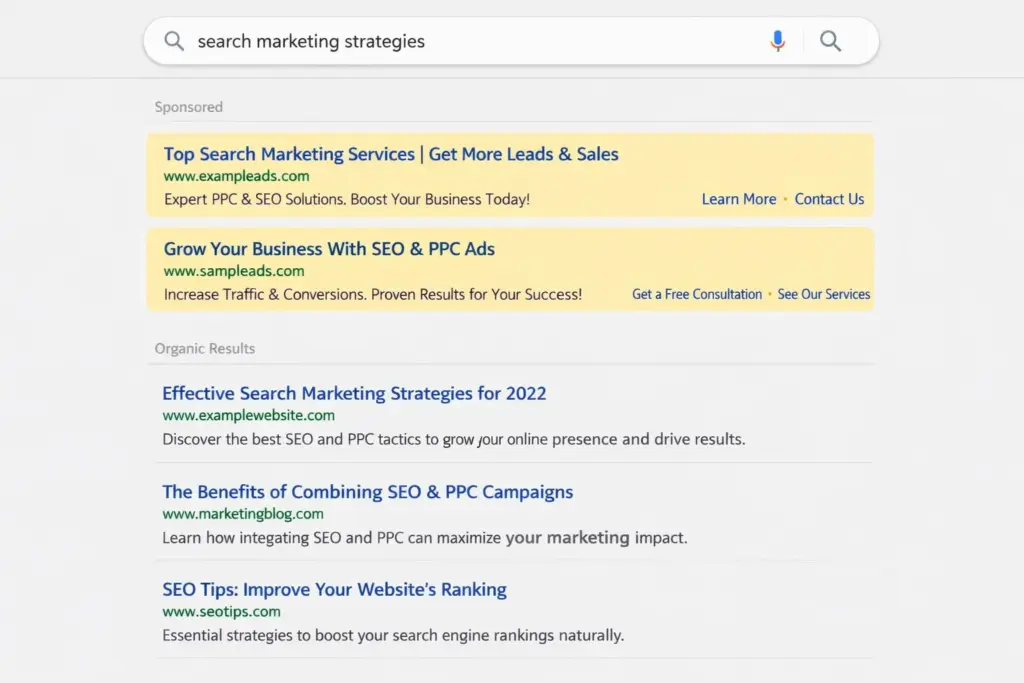
Navigation and SEO in Shopify
Navigation affects how search engines crawl and understand your store. Internal links created through menus help distribute authority and signal which pages are important.
Well-structured navigation:
- Helps search engines discover new pages
- Reinforces category relationships
- Improves crawl efficiency
- Supports ranking for collection and product pages
Avoid linking to unnecessary pages or duplicate content in your main navigation. Focus on pages that represent key offerings and high-value categories.
This strategic approach is commonly used in high-performing Shopify builds, including those developed by Best Website Builder Group for scalable eCommerce growth.
Common Navigation Mistakes in Shopify Stores
Many Shopify store owners unintentionally hurt usability through navigation mistakes. These include:
- Overloading menus with too many links
- Using unclear or clever labels instead of descriptive ones
- Burying important pages deep in dropdowns
- Ignoring mobile navigation behavior
- Treating navigation as static instead of evolving it over time
Navigation should adapt as your store grows, product lines expand, and customer behavior changes.

Updating Navigation as Your Store Evolves
Navigation is not a one-time task. As products, collections, and content change, navigation should be reviewed and refined.
Analytics can reveal which menu items are clicked most often and which pages users struggle to find. These insights help guide navigation improvements that support both users and conversions.
Regular navigation audits are a best practice for growing Shopify stores.
Navigation vs Search in Shopify
While Shopify includes built-in search functionality, navigation should never rely on search alone. Many users browse rather than search, especially when discovering products.
Navigation provides context and structure, while search supports specific intent. Both should work together rather than replacing one another.

Conclusion
Understanding how to add navigation on online store in Shopify goes beyond simply adding menu links. Effective navigation is about clarity, structure, usability, and strategy.
When navigation is well-designed, customers find products faster, trust the store more, and convert more often. It also helps search engines understand and rank your store effectively.
At Best Website Builder Group, Shopify navigation is treated as a foundational element of store architecture—designed to scale, convert, and support long-term SEO performance.
