Learning how to connect Google Calendar to Go High Level plays a critical role for businesses that rely on accurate scheduling, dependable automation, and consistent client communication. Scheduling now influences far more than simple time blocking. Appointment data drives how leads move through pipelines, how reminders reach prospects, and how follow ups occur across CRM systems. When Google Calendar and Go High Level operate without a proper connection, businesses often face missed appointments, overlapping bookings, and automation that does not trigger at the right moment. These problems usually build gradually, which makes them harder to identify until they begin to affect revenue and customer trust.
Understanding how to connect Google Calendar to Go High Level allows businesses to treat scheduling as an integrated part of daily operations instead of a separate task. Google Calendar remains popular because it syncs across devices and works smoothly with other Google tools. Go High Level focuses on unifying CRM, automation, and pipeline management. When these platforms connect correctly, appointment data flows into contact records, automation sequences, and reporting systems. This connection reduces manual work and improves reliability across marketing and sales workflows.

The role of scheduling systems in modern digital operations
Scheduling systems now sit at the center of modern digital operations, even though many businesses still treat them as secondary tools. Google Calendar supports daily operations for companies of every size because it provides real time updates and broad accessibility. When scheduling exists outside a CRM, teams lose context. Appointments may happen without reminders, follow ups may depend on memory, and reporting often lacks accuracy. Learning how to connect Google Calendar to Go High Level ensures scheduling data supports sales, marketing, and customer service rather than operating in isolation.
Google explains how its calendar infrastructure supports secure data sharing through APIs in its official documentation. These systems allow third party platforms to access availability and create events while maintaining strict permission controls. This framework enables Go High Level to sync appointments without compromising account security. When businesses treat scheduling as part of a connected system, teams gain visibility and reduce avoidable errors across workflows.
How Go High Level uses calendar data internally
To understand how to connect Google Calendar to Go High Level, businesses need to understand how Go High Level processes calendar data after synchronization. Calendars inside the platform connect directly to contact records, pipelines, and automation workflows. Each appointment can trigger confirmations, reminders, internal alerts, or pipeline movement. Calendar accuracy therefore affects CRM reliability at every stage of the customer journey.
When calendar data falls out of sync, automation loses precision. Appointments may exist in one platform but not the other, which causes missed follow ups and reporting gaps. These issues resemble problems uncovered during Technical SEO Services, where hidden structural errors limit performance even though visible elements appear correct. In both cases, systems perform best when underlying data remains accurate and aligned.

Preparing your Google Calendar account for integration
Preparation plays an important role when learning how to connect Google Calendar to Go High Level. Businesses should choose a Google account that team members actively monitor and use for scheduling. Connecting inactive or shared accounts often leads to missed updates and confusion once syncing begins. Reviewing calendar ownership, sharing permissions, and notification settings before integration helps prevent common issues.
Google requires users to grant explicit permission before third party platforms can access calendar data. This authorization process follows strict security standards designed to protect user privacy. Cloudflare explains how API security relies on controlled permissions and encrypted communication at Cloudflare. Businesses should also confirm that time zone settings match across Google Calendar and Go High Level to avoid scheduling errors.
How to connect Google Calendar to Go High Level within the platform
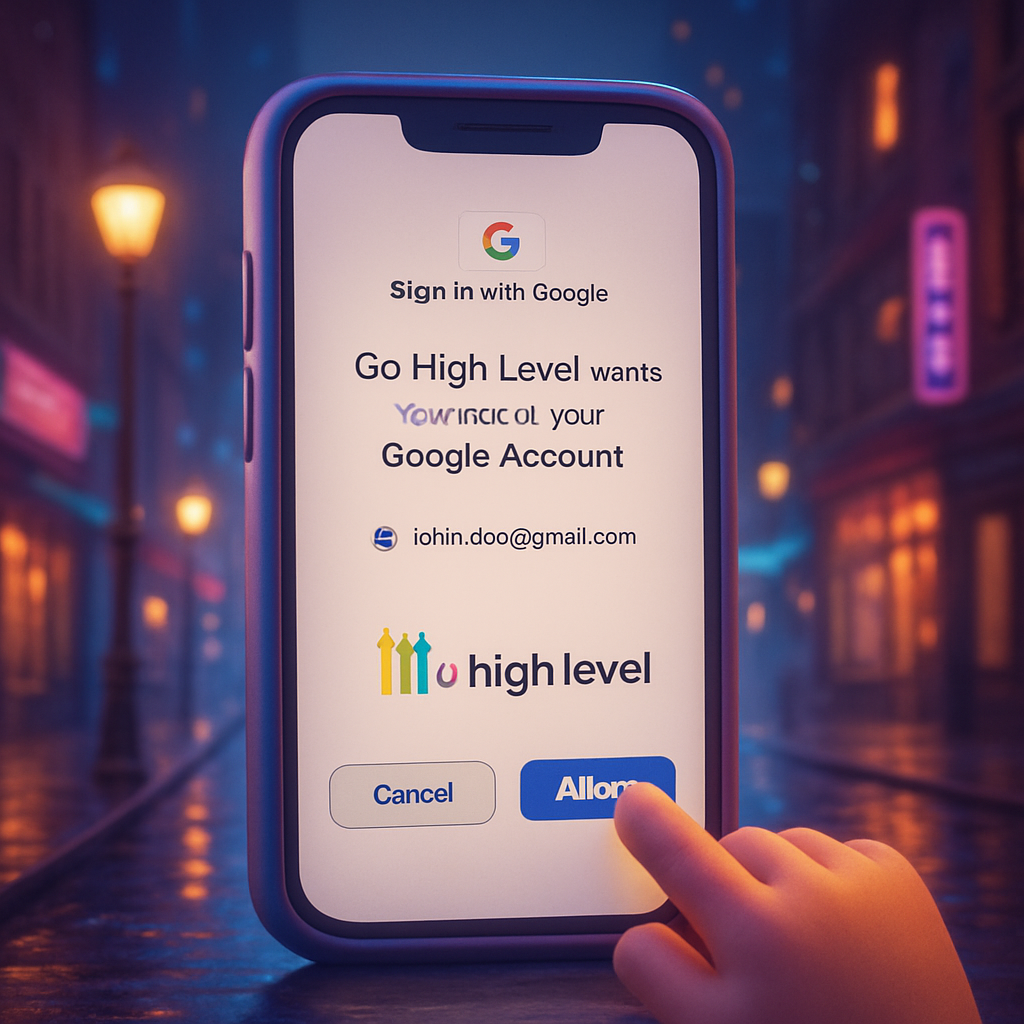
The process of how to connect Google Calendar to Go High Level begins inside the Go High Level dashboard. Users navigate to the calendar settings section and choose to create or edit a calendar. The platform then prompts the user to connect a Google account and redirects them to Google’s authorization screen.
Google displays a permissions page that outlines the access Go High Level is requesting. This access allows the platform to view and manage calendar events so appointments sync correctly. Google documents this process clearly in its developer resources to maintain transparency and user control. Once the user grants permission, the calendar becomes active inside Go High Level and supports booking links, availability rules, and automation triggers.
One way and two way synchronization explained
Understanding synchronization direction remains essential when learning how to connect Google Calendar to Go High Level. One way synchronization sends events from Go High Level to Google Calendar only. Two way synchronization allows updates from either platform to appear in both systems.
Most service based businesses benefit from two way synchronization because it prevents double bookings and keeps availability accurate. IBM discusses synchronization best practices in its cloud integration resources at IBM, emphasizing that clear data flow improves system reliability. Choosing the correct sync method protects scheduling accuracy over time.
Availability management and scheduling accuracy
After businesses learn how to connect Google Calendar to Go High Level, availability management becomes a top priority. Availability rules define when clients can book appointments and how much buffer time exists between meetings. These rules rely on real time data pulled directly from Google Calendar.
Go High Level reads existing meetings, blocked time, and personal events from the connected calendar automatically. This approach prevents overbooking and reduces the need to manage schedules in multiple places. Maintaining this alignment over time reflects the same mindset used in Website Maintenance, where proactive oversight supports long term stability.
Automation and follow up reliability
Calendar integration directly influences automation performance inside Go High Level. Learning how to connect Google Calendar to Go High Level allows appointment data to trigger confirmations, reminders, and follow ups at the correct times. These automated interactions shape customer experience and influence conversion outcomes.
When scheduling data remains accurate, communication feels timely and relevant. Harvard Business Review highlights the role of consistent communication in building trust and retention, which you can explore at Harvard Business Review. Reliable calendar integration supports this consistency across customer touchpoints.
Security and privacy considerations
Security remains an important consideration when learning how to connect Google Calendar to Go High Level. Google allows users to review and revoke third party access at any time, which gives businesses control over data permissions.
The World Wide Web Consortium provides guidance on web security standards at W3C. Applying these principles to calendar integrations helps protect scheduling data while still enabling automation and system connectivity.

Conclusion
Understanding how to connect Google Calendar to Go High Level creates a strong foundation for scheduling accuracy, automation performance, and internal coordination. When calendars sync correctly, appointment data supports workflows instead of creating friction.
Businesses that align scheduling with broader strategies such as SEO Services often achieve stronger long term results. Best Website Builder Group approaches integrations with this broader perspective, helping businesses connect tools like Go High Level into a cohesive digital ecosystem that supports growth and operational clarity.
